Physical Address
304 North Cardinal St.
Dorchester Center, MA 02124
Physical Address
304 North Cardinal St.
Dorchester Center, MA 02124

Your Go-To for Digital Advice
Your Go-To for Digital Advice

Protect your children in the digital world with essential privacy tips. Learn how to safeguard their online presence and keep them secure from threats today.

In an increasingly digital world, ensuring the online safety of children is paramount. Parents and guardians must navigate a landscape filled with potential risks, from cyberbullying to online predators. This article provides essential strategies for protecting children’s privacy online, focusing on practical tips and tools that can help safeguard their digital experiences. By understanding the key online privacy risks and implementing effective measures, parents can foster a safer online environment for their children. We will explore the main online privacy risks, the use of parental control apps, best practices for data protection, relevant privacy laws, social media safety, and family communication strategies.
Children and teens face numerous online privacy risks that can have serious implications for their safety and well-being. Understanding these risks is the first step in protecting them.

Cyberbullying involves the use of digital platforms to harass or intimidate individuals, often leading to severe emotional distress. Statistics indicate that approximately 37% of young people between the ages of 12 and 17 have experienced cyberbullying, which can result in anxiety, depression, and even suicidal thoughts. Online predators also pose a significant threat, using social media and gaming platforms to exploit vulnerable children. Parents must be vigilant and educate their children about the signs of cyberbullying and the importance of reporting suspicious interactions.
A child’s digital footprint refers to the trail of data they leave behind while using the internet, including social media posts, website visits, and online purchases. This footprint can have long-term effects on their privacy and reputation. For instance, inappropriate content shared online can resurface later, impacting college admissions or job opportunities. Parents should teach their children about managing their digital footprints, emphasising the importance of privacy settings and the potential consequences of their online actions.
Parental control apps are essential tools for monitoring and managing children’s online activities. These apps can help parents set boundaries and ensure a safer digital environment.
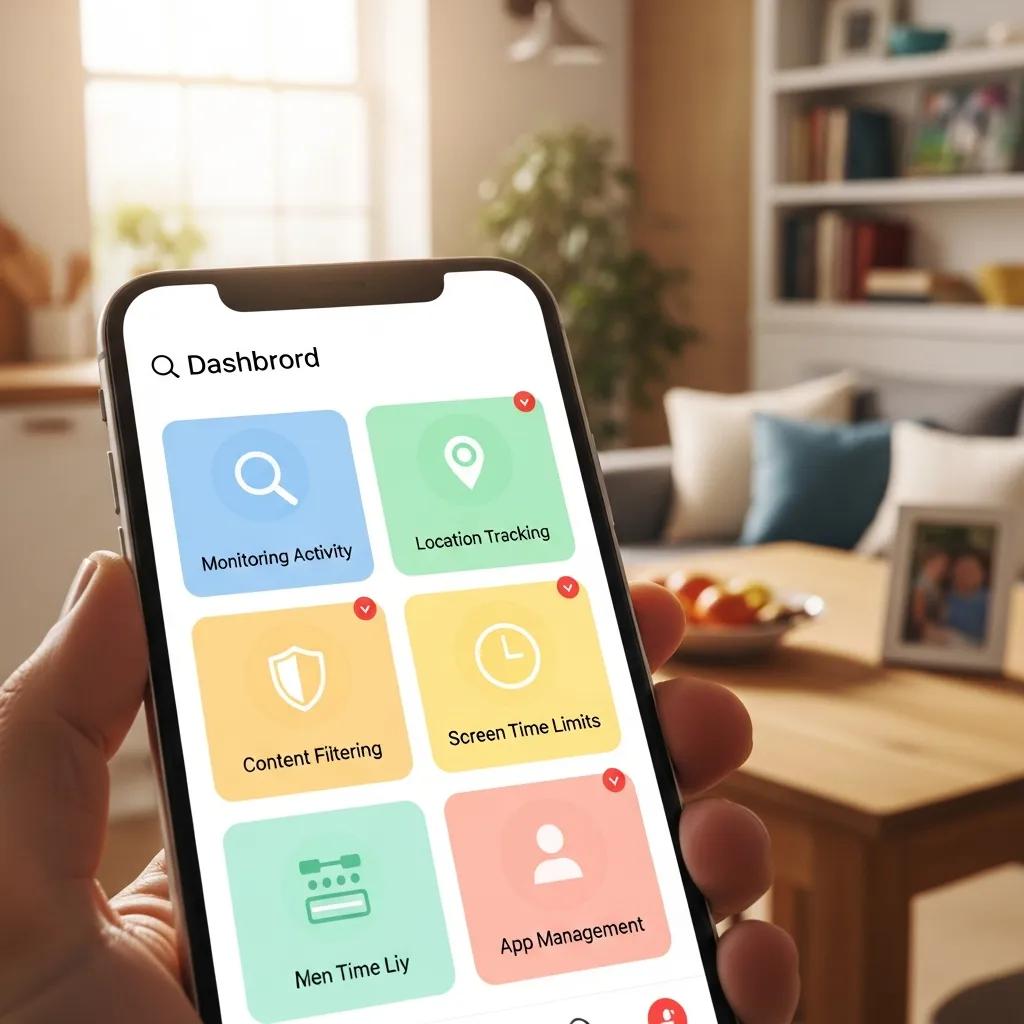
Several parental control apps stand out for their comprehensive features. For instance, Net Nanny provides real-time monitoring and alerts for inappropriate content, while Qustodio offers detailed reports on children’s online behavior. Norton Family allows parents to track location and set time limits on device usage. Each app has unique strengths, making it crucial for parents to choose one that aligns with their specific needs.
Further research highlights the critical role of parental monitoring tools in mitigating various online risks children face.
Online Risks & Parental Monitoring Tools for Child Safety
Children who use the Internet regularly, especially in the age group between 6 and 14, may experience Internet risk. While on the Internet, children can fall victim to hateful, age-inappropriate content, cyberbullying, phishing, etc. There are also risks of privacy violations by the websites which can be done through cookies or user account browsing features. To protect their children, some parents use Android applications such as Google Family Link (Free), Kids Place Parental Control (free and paid), Norton Family (paid), Qustodio (paid), and FamiSafe (paid). These applications allow the parents to restrict and monitor the child’s behaviour.
Online protection for children using a developed parental monitoring tool, DK Sarmah, 2023
Setting up parental controls varies by device and platform. For iOS devices, parents can enable restrictions through the Screen Time feature in the Settings app, allowing them to block specific content and limit app usage. On Android, Google Family Link provides a user-friendly interface for managing app permissions and screen time. Additionally, gaming consoles like Xbox and PlayStation offer built-in parental controls to restrict access to age-inappropriate content.
Protecting children’s data online requires proactive measures and a clear understanding of privacy settings and security practices.
Parents should regularly review and adjust privacy settings on social media platforms and apps. This includes limiting who can see their child’s posts and ensuring that location services are turned off when not needed. Additionally, parents should educate their children about the importance of not sharing personal information, such as their full name, address, or school, online.
Strong passwords and multi-factor authentication (MFA) are vital for securing online accounts. Parents should encourage their children to create complex passwords that include a mix of letters, numbers, and symbols. MFA adds an extra layer of security by requiring a second form of verification, such as a text message or email confirmation, making it significantly harder for unauthorised users to access accounts.
Understanding the legal framework surrounding children’s online privacy can empower parents to take informed actions.
The Children’s Online Privacy Protection Act (COPPA) is a federal law that protects the privacy of children under 13 by requiring parental consent for data collection. Websites and online services must provide clear privacy policies and obtain verifiable consent before collecting personal information from children. Parents should be aware of their rights under COPPA and ensure that the platforms their children use comply with these regulations.
The General Data Protection Regulation (GDPR) extends privacy protections to children in the European Union, requiring explicit consent for data processing for children under 16 (though member states may lower this age to 13). While COPPA applies to U.S. children, GDPR sets a precedent for stricter data protection measures globally. Parents should familiarise themselves with these regulations to better understand their children’s rights and the responsibilities of online service providers.
Social media presents unique challenges for teens, making it essential for parents to engage in open discussions about online safety.
Initiating conversations about online safety can be challenging, but it is crucial for fostering a safe digital environment. Parents should approach the topic with openness, encouraging teens to share their online experiences and concerns. Discussing real-life scenarios and potential risks can help teens understand the importance of privacy and responsible online behavior.
Parents should be vigilant in monitoring their teens’ social media interactions. Signs of cyberbullying may include sudden changes in behavior, withdrawal from social activities, or reluctance to use their devices. Encouraging teens to report any bullying incidents and providing them with resources for support can help mitigate the impact of cyberbullying. Additionally, parents should educate their teens about privacy settings and the importance of curating their online presence.
Open communication and structured media planning are essential for promoting online safety within families.
Creating a safe space for children to discuss their online experiences is vital. Parents should regularly check in with their children about their digital interactions, encouraging them to share any concerns or questions. This open dialogue fosters trust and helps children feel comfortable discussing sensitive topics related to online safety.
Establishing screen time guidelines can help families manage media consumption effectively. The American Academy of Paediatrics recommends that children aged 2 to 5 have no more than one hour of high-quality programming per day, while children aged 6 and older should have consistent limits on screen time and ensure that screen time does not interfere with sleep, physical activity, and other healthy behaviours. Creating a family media plan that includes designated screen-free times and activities can promote healthier media habits and encourage family bonding.
By implementing these strategies, parents can significantly enhance their children’s online safety and privacy. Understanding the risks, utilising available tools, and fostering open communication are key components in navigating the digital landscape effectively.