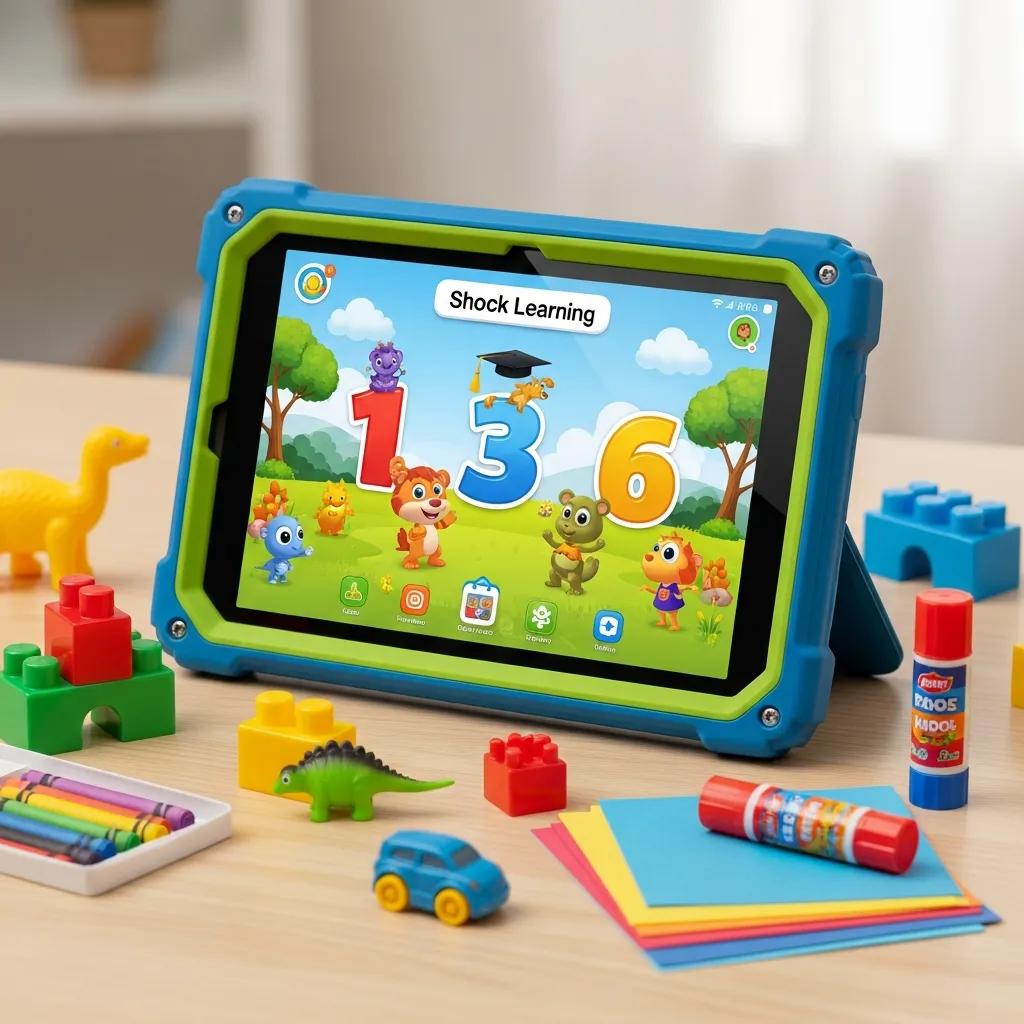
Unlock your child's learning potential with top-rated, kid-friendly tablets. Discover the best options designed for enhanced education and entertainment!
Best Tablets for Kids’ Learning Needs: Choosing Educational Tablets for Children with Parental Controls and Durability
Selecting the right tablet for children’s learning is crucial in today’s digital age, where technology plays a significant role in education. Parents want devices that not only enhance learning but also ensure safety and durability. This comprehensive guide will explore the best tablets for kids, focusing on their educational features, parental controls, and durability. Many parents face challenges in finding devices that balance educational value with safety features. Fortunately, there are numerous options available that cater to children’s learning needs while providing robust parental controls. This article will cover top-rated tablets, the importance of parental controls, data privacy considerations, and the best educational apps for kids.
Which Tablets Are Top Rated for Kids’ Learning and Education?
When it comes to selecting the best tablets for kids, several models stand out due to their educational features, user-friendly interfaces, and durability. These tablets are designed specifically for children’s learning needs, making them ideal for both home and school use.
What Are the Leading Kid-Friendly Learning Devices in 2024?
As of 2024, some of the leading kid-friendly learning devices include the Amazon Fire HD Kids Edition, Samsung Galaxy Tab A Kids Edition, and the Apple iPad (with parental controls). Each of these devices offers unique features tailored for educational purposes:
Amazon Fire HD Kids Edition: This tablet comes with a kid-proof case, a two-year worry-free guarantee, and access to a vast library of educational content.
Samsung Galaxy Tab A Kids Edition: It features a durable design, parental controls, and a dedicated kids mode that provides access to age-appropriate content.
Apple iPad: Known for its versatility, the iPad offers a wide range of educational apps and robust parental controls, making it a popular choice among parents.
These devices not only provide access to educational resources but also ensure that children can use them safely.
How Do Durability Features Impact Tablet Selection for Children?
Durability is a critical factor when selecting tablets for children, as kids are often prone to accidents. Tablets designed for kids typically feature reinforced screens, shock-resistant cases, and water-resistant designs. These durability features significantly impact the longevity of the device and the overall user experience.
Reinforced Screens: Many kid-friendly tablets come with shatter-resistant screens that can withstand drops and bumps.
Shock-Resistant Cases: These cases provide an extra layer of protection, ensuring that the tablet remains functional even after falls.
Water-Resistant Designs: Some tablets are designed to resist spills and splashes, making them suitable for use in various environments.
By prioritising durability, parents can ensure that their investment in a tablet will last through the rigors of daily use.
How Do Parental Controls Enhance Safety on Kids’ Educational Tablets?
Parental controls are essential for ensuring that children use their tablets safely and responsibly. These features allow parents to monitor usage, restrict access to inappropriate content, and manage screen time effectively.
What Parental Control Features Are Essential for Secure Learning Devices?
Key parental control features that enhance the safety of educational tablets include:
Content Filtering: This feature allows parents to block access to inappropriate websites and apps, ensuring a safe browsing experience.
Screen Time Management: Parents can set limits on how long their children can use the tablet each day, promoting healthy screen time habits.
Usage Tracking: This feature provides insights into how much time children spend on various apps, helping parents make informed decisions about their usage.
These parental control features empower parents to create a safe digital environment for their children.
How Do AI-Powered Parental Controls Balance Oversight and Privacy?
AI-powered parental controls are becoming increasingly popular as they offer a more sophisticated approach to monitoring children’s online activities. These systems can analyse usage patterns and provide personalised recommendations for parents.
AI Capabilities: Advanced algorithms can detect potentially harmful content and alert parents in real-time.
Privacy Concerns: While monitoring is essential, parents must also consider their children’s privacy. AI systems can help balance oversight with respect for privacy by providing insights without invasive tracking.
User Trust: Building trust between parents and children is crucial. Transparent communication about monitoring practices can foster a healthy relationship.
AI-powered parental controls represent a significant advancement in ensuring children’s safety while respecting their privacy.
What Are the Data Privacy and Compliance Considerations for Kids’ Learning Tablets?
Data privacy is a significant concern for parents when selecting educational tablets for their children. Understanding the regulations and best practices can help ensure that children’s data is protected.
How Do COPPA and GDPR-K Regulations Affect Educational Tablet Use?
The Children’s Online Privacy Protection Act (COPPA) and the General Data Protection Regulation (GDPR) with specific provisions for children are two critical regulations that govern the collection of children’s data.
Key Provisions of COPPA: This law requires parental consent before collecting personal information from children under 13, ensuring that parents have control over their children’s data.
Implications of GDPR for Children: GDPR includes specific protections for children’s data, requiring companies to implement strict data handling practices and obtain parental consent for processing data of children under 16 (or lower age depending on member state, often 13).
Manufacturer Responsibilities: Tablet manufacturers must comply with these regulations by providing clear privacy policies and ensuring that their devices are designed with children’s safety in mind.
By understanding these regulations, parents can make informed decisions about the tablets they choose for their children.
What Best Practices Ensure Children’s Data Privacy in Educational Apps?
To protect children’s data privacy, parents should consider the following best practices when selecting educational apps:
Data Minimisation Strategies: Choose apps that collect only the necessary information and avoid those that request excessive personal data.
User Consent Mechanisms: Ensure that apps provide clear options for parental consent and data management.
Transparency in Data Handling: Look for apps that clearly outline their data handling practices and provide easy access to privacy settings.
Implementing these best practices can help safeguard children’s data while they engage with educational content.
How Can Enterprises Support Employee Families with Secure Kids’ Tablets?
Enterprises play a vital role in supporting employee families by providing access to secure educational tablets for children. This support can enhance employee satisfaction and promote a healthy work-life balance.
What Policies Promote Digital Well-Being and Data Security for Employee Families?
Organisations can implement several policies to support digital well-being and data security for employee families:
Flexible Work Arrangements: Allowing parents to work flexible hours can help them manage their children’s educational needs more effectively.
Subsidised Technology Programs: Providing financial assistance for purchasing educational tablets can ease the financial burden on families.
Digital Literacy Training: Offering training sessions on digital safety and responsible technology use can empower families to navigate the digital landscape confidently.
These policies not only support employee families but also contribute to a positive workplace culture.
How Does Secure Educational Technology Contribute to Future Workforce Development?
Investing in secure educational technology is essential for preparing the future workforce. By equipping children with the right tools, enterprises can foster skills that are critical for success in the modern job market.
Role of Technology in Education: Technology enhances learning experiences, making education more engaging and interactive.
Skills Development: Access to educational tablets helps children develop essential skills such as critical thinking, problem-solving, and digital literacy.
Future Job Market Trends: As technology continues to evolve, children who are familiar with digital tools will be better prepared for future careers.
By supporting educational technology initiatives, enterprises can contribute to the development of a skilled and adaptable workforce.
Which Educational Apps and Software Ecosystems Are Best for Kids’ Tablets?
Selecting the right educational apps is crucial for maximising the benefits of kids’ tablets. The best apps are designed to engage children while promoting learning in a fun and interactive way.
How to Evaluate App Store Security and Content Vetting for Learning Devices?
When choosing educational apps, parents should consider the following criteria to ensure security and quality:
Security Vetting Processes: Look for apps that undergo rigorous security checks before being made available in app stores.
User Safety Measures: Choose apps that prioritise user safety by implementing features such as content filtering and privacy settings.
Impact on App Quality: High-quality apps often have positive user reviews and ratings, indicating their effectiveness in promoting learning.
Evaluating these factors can help parents select safe and effective educational apps for their children.
What Learning Objectives and Age Groups Do Popular Educational Apps Target?
Popular educational apps cater to various learning objectives and age groups, making it essential for parents to choose apps that align with their children’s needs.
Age Group Targeting: Many apps are designed specifically for certain age ranges, ensuring that the content is appropriate and engaging for children.
Learning Objectives: Apps often focus on specific skills, such as math, reading, or science, allowing parents to select those that align with their children’s educational goals.
User Engagement Strategies: Effective apps incorporate gamification and interactive elements to keep children engaged and motivated to learn.
By understanding the target audience and learning objectives of educational apps, parents can make informed choices that support their children’s learning.
What Are the Technical Features to Consider When Choosing Kids’ Tablets for Learning?
When selecting tablets for children’s learning, several technical features should be considered to ensure optimal performance and security.
How Do Hardware Security Features Protect Children’s Data on Tablets?
Hardware security features play a crucial role in protecting children’s data on tablets. These features include:
Encryption: Data encryption ensures that personal information is stored securely and is inaccessible to unauthorised users.
Secure Boot: This feature prevents unauthorised software from running on the device, ensuring that only trusted applications are used.
Biometric Authentication: Some tablets offer fingerprint or facial recognition, adding an extra layer of security to protect children’s data.
By prioritising tablets with robust hardware security features, parents can safeguard their children’s information.
What Role Does Network Connectivity and Software Integration Play in Educational Tablets?
Network connectivity and software integration are essential for maximising the educational potential of tablets. Consider the following aspects:
Types of Connectivity Options: Tablets should offer reliable Wi-Fi and cellular connectivity to ensure access to online educational resources.
Software Integration Benefits: Seamless integration with educational software and apps enhances the learning experience by providing access to a wide range of resources.
User Experience Enhancements: Tablets that support multiple applications and services can provide a more comprehensive learning environment for children.
By selecting tablets with strong connectivity and integration capabilities, parents can enhance their children’s educational experiences.