Physical Address
304 North Cardinal St.
Dorchester Center, MA 02124
Physical Address
304 North Cardinal St.
Dorchester Center, MA 02124
Your Go-To for Digital Advice
Your Go-To for Digital Advice
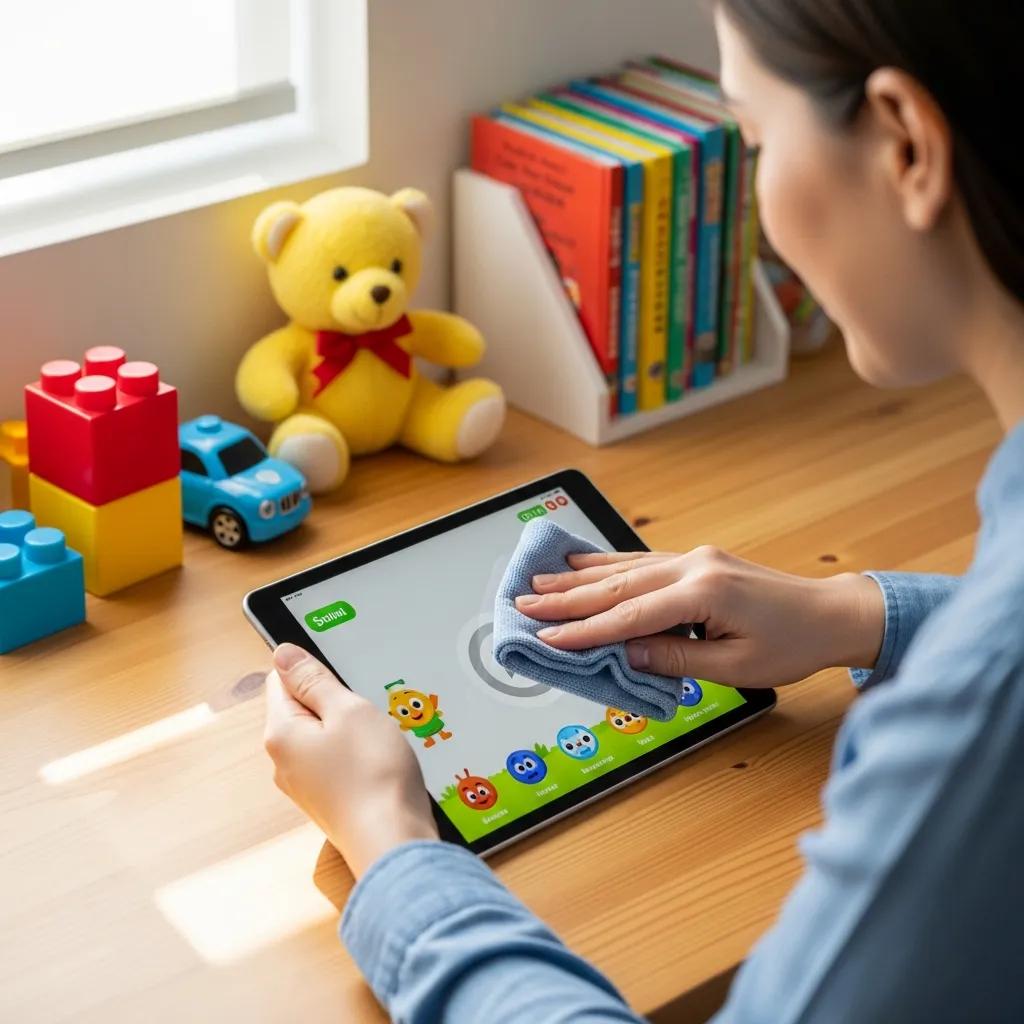
Keep your kids' devices running smoothly with expert cleaning tips. Learn effective ways to maintain device performance and ensure a safe digital experience.
In today’s digital age, children are increasingly reliant on electronic devices for education and entertainment. However, these devices can harbor germs and dirt that may affect both their performance and the health of your child. This comprehensive guide will explore effective methods for cleaning kids’ devices, ensuring they remain safe and functional. Parents will learn about the importance of device hygiene, best practices for cleaning various types of devices, and how to maintain optimal performance over time. By following these guidelines, you can help protect your child’s health while extending the lifespan of their devices.
Cleaning kids’ devices is crucial for both health and performance. Regular cleaning helps eliminate harmful germs and bacteria that can accumulate on surfaces, reducing the risk of illness. Additionally, a clean device operates more efficiently, enhancing its longevity and performance.
Device hygiene significantly impacts children’s health and safety. Studies indicate that electronic devices can harbor thousands of germs, including bacteria and viruses. For instance, a study found that smartphones can carry more bacteria than a toilet seat. This accumulation of germs can lead to infections and illnesses, particularly in young children whose immune systems are still developing. Therefore, maintaining clean devices is essential for safeguarding your child’s health.
Further emphasising the importance of educating children on safe device practices, research highlights the effectiveness of hygienic education programs.
Hygienic Education for Safe Electronic Device Use in Children
The negative impact of the digital environment on the health of young people necessitates the search for new methods of hygienic education. This study aimed to test and assess the hygienic qualities of the practice designed to give students and schoolchildren the skills allowing safe use of electronic devices. The study involved 256 students, 200 senior schoolchildren, 400 teachers and 251 parent. The tested hygienic education practice allowed for a reduction of the number of schoolchildren and students who did not have the skills to safely use electronic devices to 20 and 25%, respectively.
Evaluation of efficacy of providing hygiene education to schoolchildren and students in the process of development of the safe electronic device use skills, 2020
Cleaning devices not only promotes health but also improves their performance and longevity. Dust and grime can obstruct ports and screens, leading to malfunctions. For example, a dirty charging port may prevent proper charging, while a smudged screen can hinder visibility. Regular cleaning helps prevent these issues, ensuring devices function optimally and last longer.
Beyond immediate functionality, the psychological aspect of cleanliness also plays a role in how long we keep our devices, as explored in studies on product longevity.
Cleanliness and Product Longevity: Impact on Device Lifespan
This paper assumes that such motivations and constraints may affect consumers’ willingness to keep or to dispose of their possessions, and therefore have an impact on product longevity. Introducing a short history of concern about dirt since germ theory, it considers whether the desire for a more up to date/efficient/powerful/good looking/clean/shiny machine may accelerate replacement.
The relationship between ideas about cleanliness and actions that affect product longevity, T Fisher, 2015
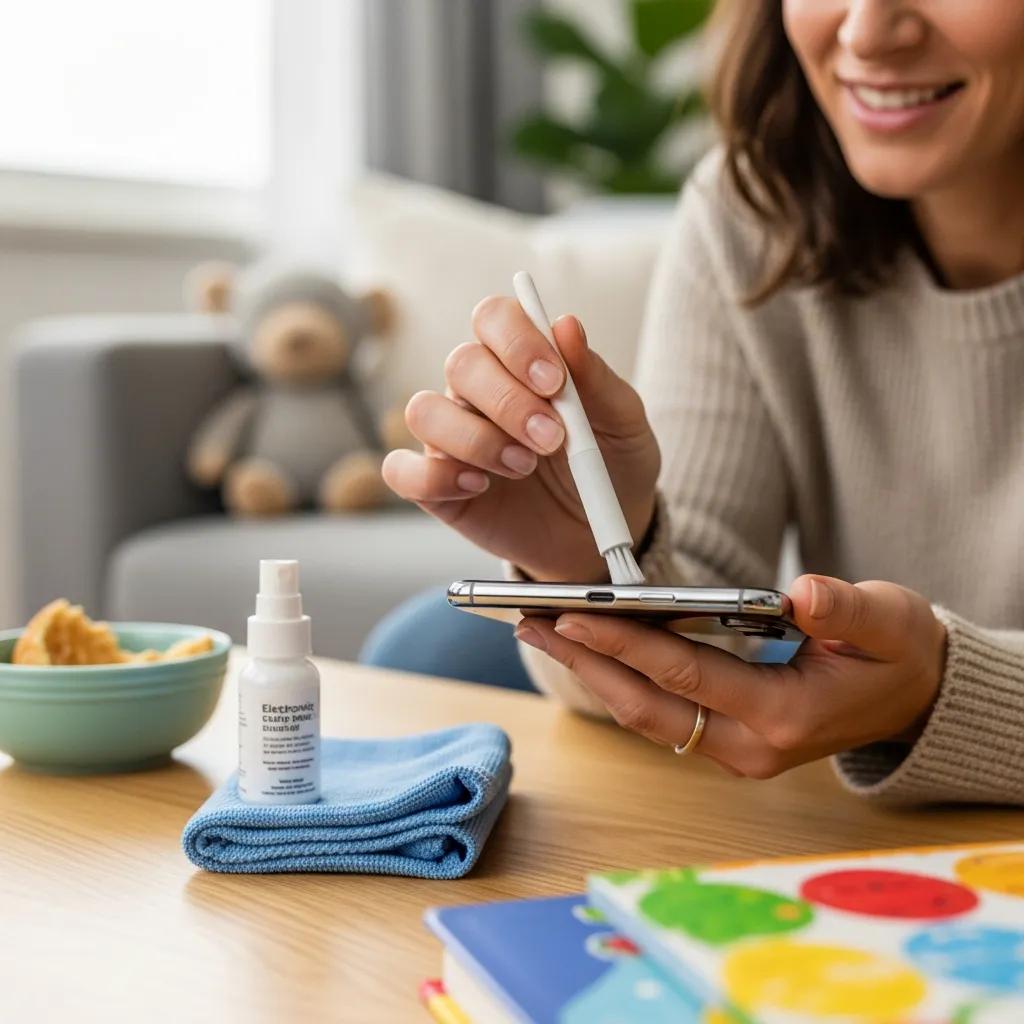
These steps ensure that devices are cleaned safely and effectively, minimising the risk of damage.
Using these tools helps maintain device integrity while ensuring a thorough clean.
These methods help keep devices clean and functioning properly.
Sticky residue, food, and crayon marks can be challenging to remove. Here are effective strategies:
These techniques ensure that devices remain clean and free from unsightly marks.
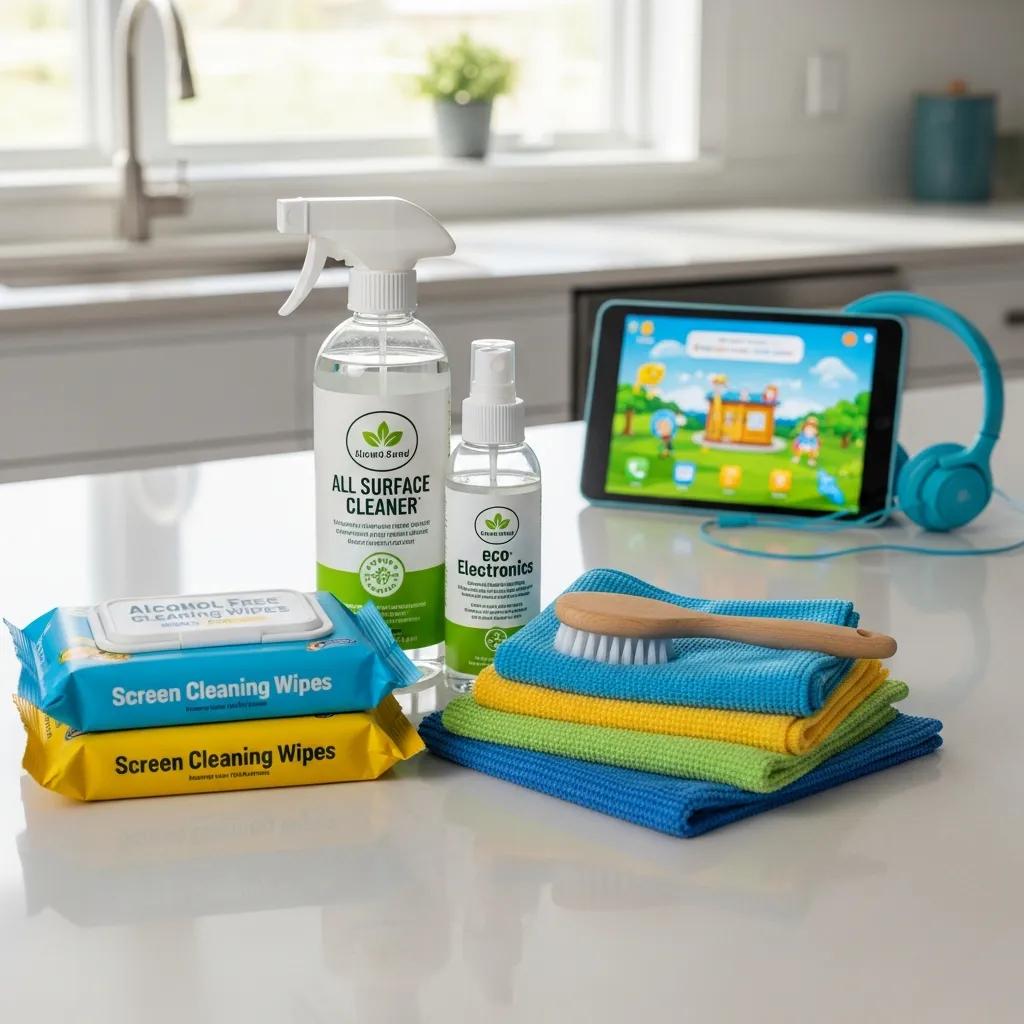
Alcohol-based cleaners (typically containing 70% isopropyl alcohol) are effective at killing germs but can potentially damage some screen coatings if used excessively. In contrast, alcohol-free cleaners are gentler and safer for frequent use on delicate surfaces. Parents should consider the material of the device when selecting a cleaner, opting for alcohol-free options for sensitive screens and coatings.
When selecting cleaning solutions, parents should look for products labeled as non-toxic and child-safe. Key criteria include:
By following these guidelines, parents can ensure they are using safe cleaning products for their children’s devices.
These practices help maintain device functionality and longevity.
Establishing a cleaning and maintenance schedule is crucial. Devices should be cleaned at least once a week, with deeper cleaning every month. Additionally, parents should check for software updates and battery health regularly to ensure devices remain in optimal condition.
By following these guidelines and utilising the recommended products, parents can ensure their children’s devices remain clean, safe, and functional for years to come.