Physical Address
304 North Cardinal St.
Dorchester Center, MA 02124
Physical Address
304 North Cardinal St.
Dorchester Center, MA 02124

Your Go-To for Digital Advice
Your Go-To for Digital Advice

Protect your children online with essential tech safety tips. Learn effective strategies to build a secure digital environment for your kids today.

In an increasingly digital world, ensuring the safety of children online is paramount. Parents face the challenge of navigating the complexities of technology while protecting their children from potential risks. This comprehensive guide on essential tech safety tips for your children will equip you with the knowledge to manage screen time, implement effective parental controls, and foster a safe online environment. By understanding the nuances of digital safety, you can address concerns such as cyberbullying, online privacy, and the impact of social media on mental health. This article will cover strategies for managing screen time, the best parental control apps, how to prevent and respond to cyberbullying, protecting online privacy, essential digital safety practices, and guiding safe social media use for teens.
Managing screen time is crucial for maintaining a healthy balance between digital engagement and real-world interactions. Establishing clear guidelines helps children understand the importance of moderation and the potential consequences of excessive screen time. By implementing age-appropriate screen time limits, parents can promote healthier habits and encourage children to engage in various activities beyond screens.
The American Academy of Pediatrics (AAP) provides specific guidelines for screen time based on age. For children aged 2 to 5 years, it is recommended to limit screen time to one hour of high-quality programming per day. For children aged 6 years and older, parents should establish consistent limits that ensure adequate time for sleep, physical activity, and other healthy behaviors. Excessive screen time can lead to negative outcomes, including sleep disturbances, obesity, and behavioral issues. By adhering to these guidelines, parents can foster a balanced approach to technology use.
A recent study further emphasises the importance of parental awareness and adherence to these paediatric screen time recommendations.
Parental Adherence to Paediatric Screen Time Guidelines
Recommendations by entities such as the American Academy of Paediatrics (AAP) are intended to provide useful guidelines for parents and caregivers when making decisions about how to manage screen time exposure for young children [5]. However, their utility is limited if caregivers are not aware of or do not adhere to the guidelines. To address this problem, we explored mothers’ awareness of and adherence to the AAP’s recommendations and the motivational factors associated with screen time exposure.
Explaining adherence to American academy of paediatrics screen time recommendations with caregiver awareness and parental motivation factors: mixed methods.
Creating a family media plan involves discussing screen time rules with children and setting expectations together. Parents should outline the types of content that are appropriate and establish designated screen-free times, such as during meals or before bedtime. Regularly reviewing the media plan with children helps reinforce the importance of these guidelines and allows for adjustments as they grow. This collaborative approach encourages children to take ownership of their media consumption and understand the rationale behind the rules.
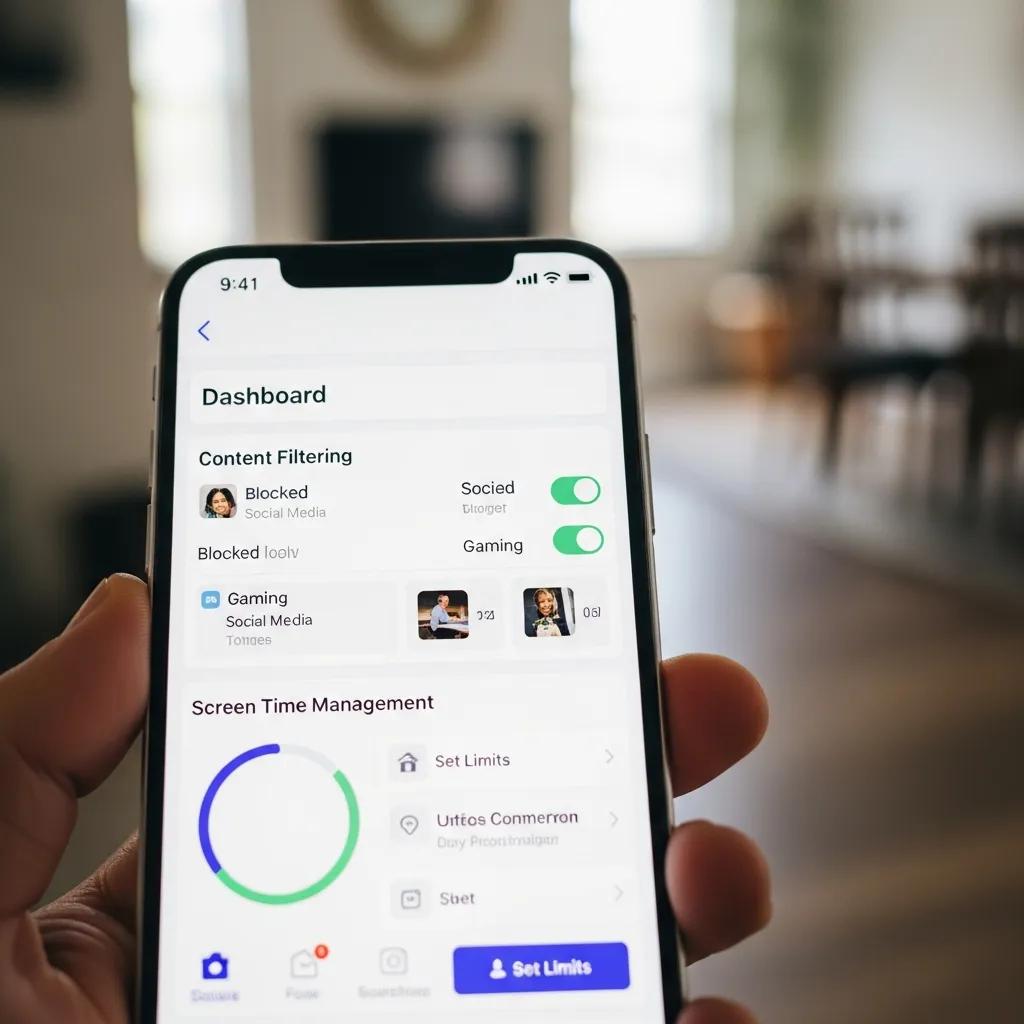
Parental control apps are essential tools for monitoring and managing children’s online activities. These applications provide parents with the ability to set limits on screen time, filter inappropriate content, and track location. By utilising these tools, parents can create a safer digital environment for their children.
When selecting parental control software, parents should consider several key features:
Setting up parental controls varies by device, but the process generally involves accessing the device’s settings and enabling the parental control features. For smartphones, parents can use built-in settings or download dedicated apps. On computers, browser extensions can provide additional filtering options. It is essential to familiarise oneself with the specific controls available on each device to maximise their effectiveness. Regularly updating these settings as children grow and their needs change is also crucial for maintaining a safe online environment.

Cyberbullying is a significant concern for parents, as it can have lasting effects on a child’s mental health and well-being. Understanding how to identify and address cyberbullying is essential for protecting children in the digital space.
Parents should be vigilant for signs that may indicate a child is experiencing cyberbullying. These signs can include:
Recognising these signs early can help parents intervene and provide support.
To protect children from online harassment, parents should maintain open lines of communication, encouraging their children to share their online experiences. Establishing a trusting relationship allows children to feel comfortable discussing any issues they encounter. Additionally, parents should educate their children about reporting mechanisms on social media platforms and the importance of blocking or unfollowing individuals who engage in harmful behavior. Encouraging resilience and self-advocacy is vital in helping children navigate online challenges.
Protecting children’s online privacy is essential in today’s digital landscape. Parents must educate their children about the importance of safeguarding personal information and managing their digital footprint.
The evolving digital landscape, particularly with the rise of AI, presents new challenges to children’s privacy and necessitates a proactive approach to managing their digital footprint.
AI’s Impact on Children’s Privacy & Digital Footprints
The unprecedented growth of ‘Artificial Intelligence’ (AI) has brought immense benefits but also complex challenges, impacting users’ lives, including privacy and data security, particularly for vulnerable children. This paper examines children’s privacy in the AI era, noting that AI’s pattern recognition blurs privacy boundaries, feeding on sensitive information. Due to innate curiosity and digital immersion, children are more susceptible to privacy violations in this ‘AI-driven’ digital era, often sharing information online with limited understanding of risks. There is an urgent need to address the increased digital footprint of children.
Parents should ensure that privacy settings on social media platforms and apps are configured to limit the visibility of their child’s information. Key settings to review include:
Regularly reviewing these settings helps maintain a secure online presence.
Educating children about safe sharing practices is crucial for their online safety. Parents should discuss what information is appropriate to share and what should remain private. Encouraging critical thinking about the potential risks of oversharing can help children make informed decisions. Role-playing scenarios can also be an effective way to practice safe sharing and reinforce these lessons.
Implementing essential digital safety practices can significantly reduce risks associated with online activities. Parents play a vital role in teaching their children how to navigate the digital world safely.
Children should be educated on how to recognise potential online predators and scams. Key strategies include:
By teaching these strategies, parents can empower their children to protect themselves online.
Digital literacy is essential for children’s online safety, as it equips them with the skills to critically evaluate information and navigate digital spaces responsibly. Parents should encourage their children to engage with educational resources that promote digital literacy, such as online courses or workshops. Understanding how to discern credible sources from misinformation is vital in fostering informed digital citizens.
Social media has a profound impact on teens, influencing their social interactions, self-esteem, and mental health. Parents must understand these effects to guide their children in using social media safely.
Research indicates that excessive social media use can contribute to mental health issues, including anxiety and depression. Parents should be aware of the signs of social media-related stress, such as changes in mood or withdrawal from offline activities. Encouraging healthy social media habits, such as limiting screen time and promoting positive interactions, can help mitigate these risks.
Helping teens manage their digital reputation involves educating them about the long-term implications of their online actions. Parents should discuss the importance of maintaining a positive online presence and the potential consequences of negative behavior. Encouraging open discussions about peer pressure and the impact of social media on self-image can foster resilience and critical thinking in teens.
In conclusion, understanding and implementing essential tech safety tips for children is crucial in today’s digital age. By managing screen time, utilising parental control apps, preventing cyberbullying, protecting online privacy, and fostering digital literacy, parents can create a safe and supportive online environment for their children. As technology continues to evolve, staying informed and proactive will empower parents to guide their children through the complexities of the digital world.