
AI and Parenting: What I Learned When I Invited the Robots Into Family Life
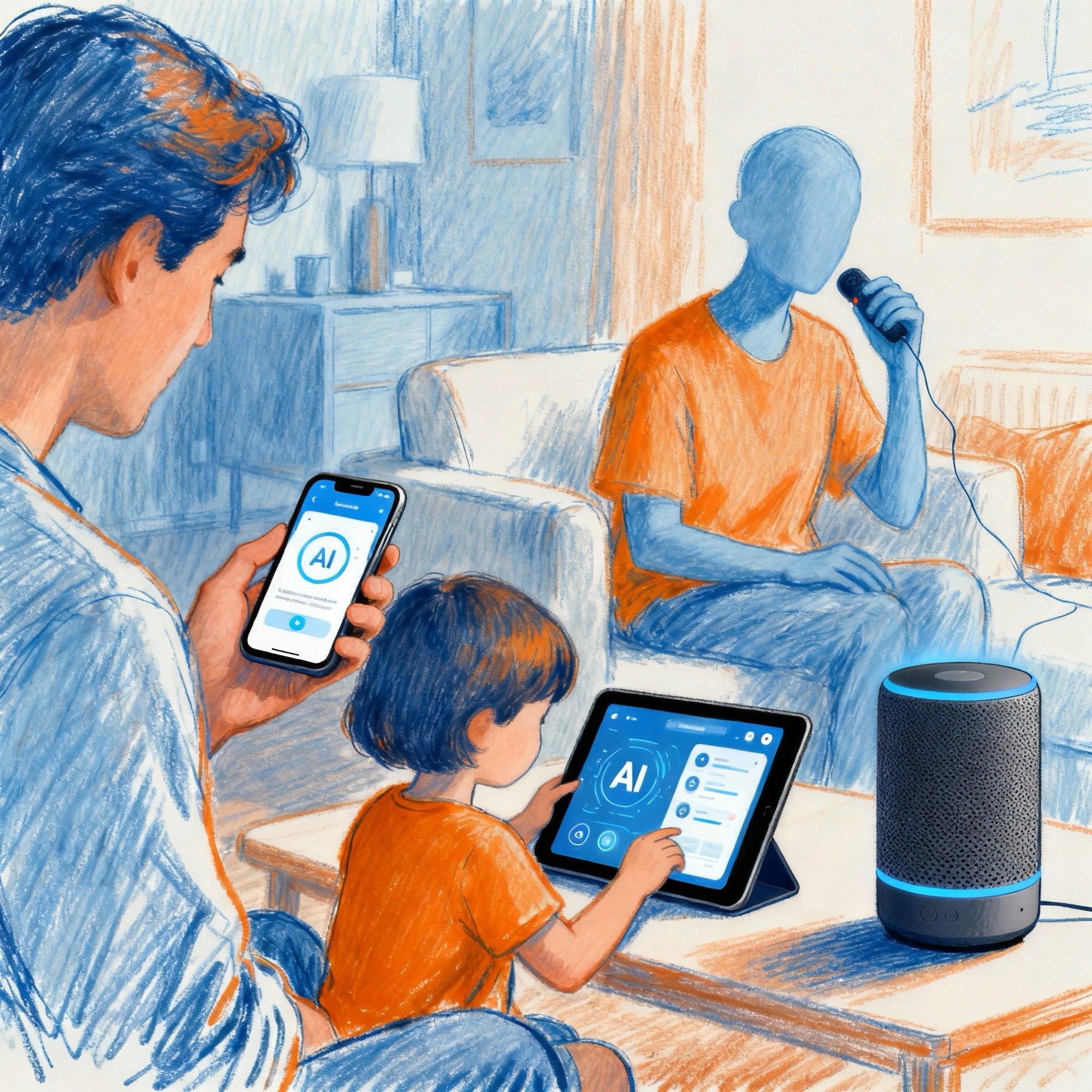
I used to file “artificial intelligence” next to flying cars and moon colonies—interesting, a bit over-hyped, mostly theoretical. Then it crept into our home in the quiet way technology always does. A school email that summarised itself. A speaker that translated a French verb faster than I could find a dictionary. A family calendar that stopped double-booking us with ruthless efficiency. Somewhere between scepticism and curiosity, I invited the robots in on purpose—and kept notes on what actually helps a family function, and where we should still draw lines. What I discovered surprised me: AI isn’t a threat looming at the horizon. It’s already here, already embedded in the tools we use daily. The question isn’t whether to let it in—it’s already in. The real question is: how do we use it wisely?
What AI Actually Is—In Plain English (And Why It Matters)
Most of what we call AI on phones and laptops is prediction at scale. These systems read huge amounts of text, audio and images, then predict the next best word, pixel or decision. Give them a messy email thread and they produce a tidy summary. Ask them to plan four dinners from what’s in your fridge and they’ll try. None of this is magic; it’s statistics with a polite tone of voice. Helpful—but not wise on its own.
Understanding this is critical for families. AI can’t think. It can’t care. It can’t remember things the way humans do. What it can do is spot patterns in massive datasets and predict what comes next based on those patterns. When it works, the prediction feels helpful. When it breaks, the confidence with which it delivers the wrong answer can be genuinely dangerous.
The Three Things AI Can Actually Do (And When)
- Summarise and sort: AI excels at taking messy information and turning it into something digestible. Email chains, calendar conflicts, research papers—all fair game.
- Explain concepts: Given enough training data on a topic, AI can explain it in multiple ways at different difficulty levels. This is genuinely useful for learning.
- Generate starting points: AI can create a first draft—a lesson plan outline, a recipe variation, a letter template—that a human can then refine, edit and improve.
The Reality of AI in Schools: What the 2025 Data Actually Shows
The Scale of AI Adoption (And It’s Massive)
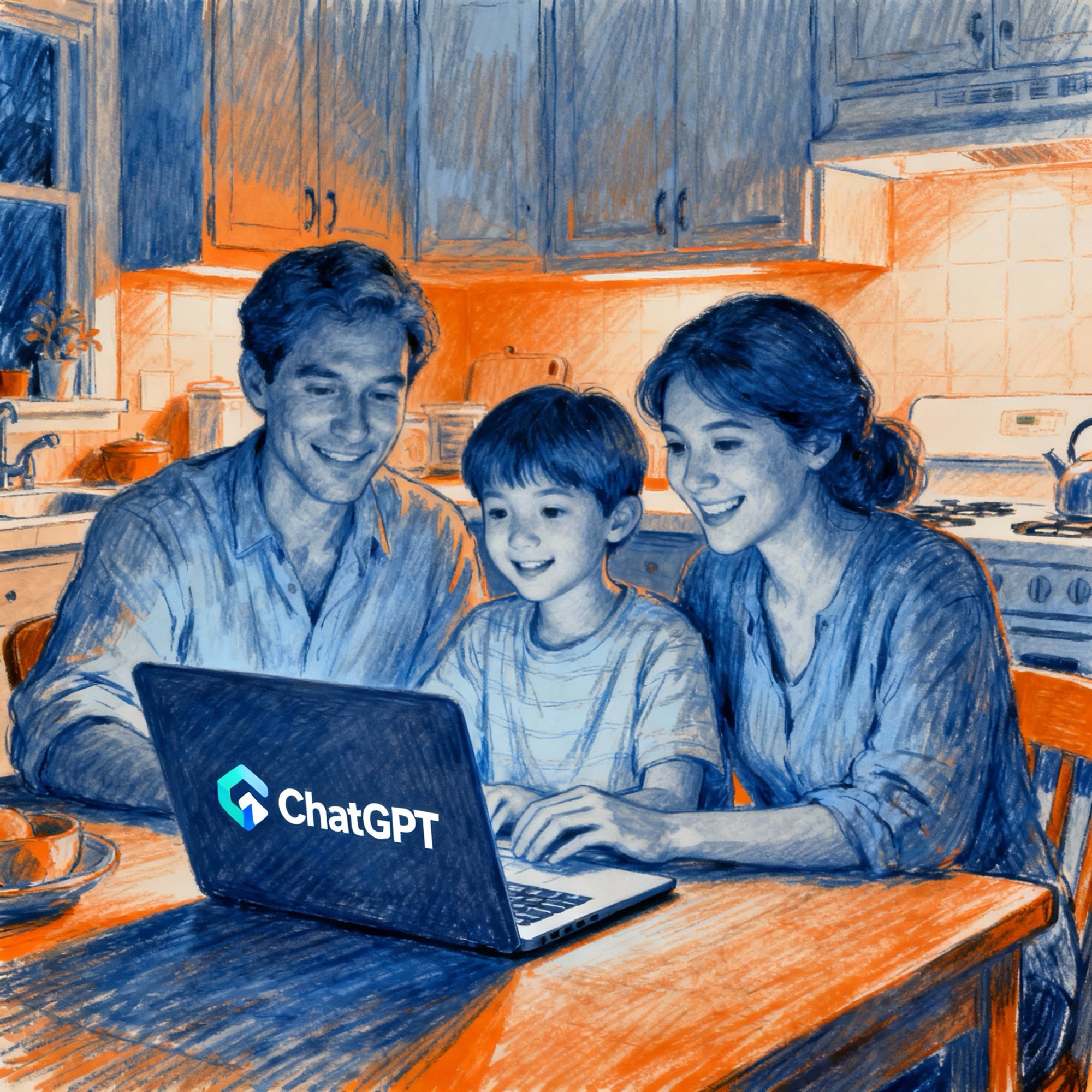
Let’s talk numbers. The data from 2025 is unambiguous: AI adoption in education has moved from experimental to mainstream, faster than anyone predicted.
How Students Actually Use AI (The Honest Breakdown)
Research from College Board and Higher Education Policy Institute (HEPI) reveals a clear pattern. Students aren’t using AI to learn—they’re using it to reduce friction:
- Brainstorming and research (50%): Getting initial ideas, finding sources, understanding essay structure
- Editing and revision (50%): Grammar checking, clarity feedback, restructuring arguments
- Note-taking (trending): ChatGPT summarising lecture recordings or dense textbooks
- Explaining concepts (trending): Getting a second explanation when they don’t understand their teacher
- Creating practice materials: Generating flashcards, quiz questions, and past-paper solutions
What we don’t see much of: Students saying AI helped them think more deeply or develop original ideas. The pattern is efficiency, not deeper learning.
The Critical Question: Where’s the Line Between Help and Cheating?
Frontier research published in 2025 by educators at multiple universities identified a crucial distinction. Using AI to explore a concept, then independently applying that understanding? That’s help. Pasting a prompt into ChatGPT, copying the output into your essay unchanged, and submitting it? That’s cheating.
The problem: the line is genuinely blurry. And students—and even teachers—aren’t always clear on which side of it they’re on.
The Homework Integrity Crisis
Frontier Education research in 2025 found that educators are struggling to distinguish authentic student voice from AI-assisted work. Tasks designed for rote memorisation or fact recall are easiest to automate. Tasks requiring metacognition, creativity, and personal voice are harder for AI to fake—but they require better homework design from teachers.
The shift happening in smarter schools: Instead of “write a 500-word essay,” assignments are becoming “write an essay, show your working, explain where you struggled, and compare your answer to an AI-generated version.” This makes cheating harder and learning deeper.
Where AI Genuinely Helps (And Where We’ve Drew Boundaries)
I didn’t want a new hobby. I wanted less friction. When we started using AI on purpose, four everyday wins emerged quickly. These aren’t theoretical benefits—they’ve changed how we function as a family.
1) School Admin Without the Brain Fog
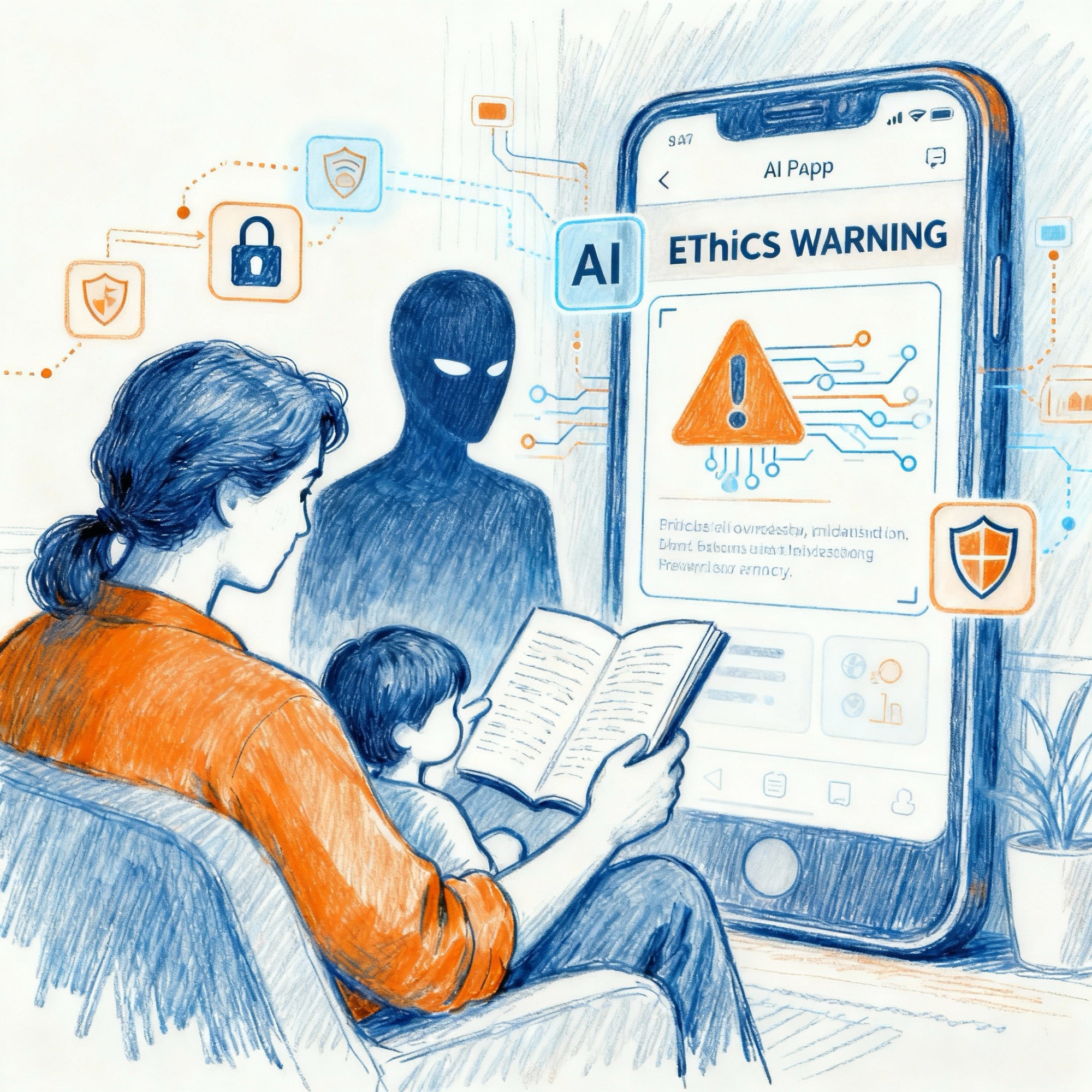
A good AI assistant can extract dates, times, and the one action item you must do by Friday. It won’t choose the shirt colour—and it shouldn’t—but it will tell you which day the trip is and who needs a packed lunch.
What I did: Paste messy school emails into Claude. Ask: “Extract key dates and action items.” Wait 5 seconds. Done. Instead of rereading a confusing 800-word email three times, I have a sorted list.
The real value: Mental space. When the admin is handled, I’m not carrying that “did I forget something?” anxiety.
2) Meal Planning in Human Terms
“Two fussy eaters, a pescatarian week, and we’re out of cumin.” In the old world, that’s thirty minutes of brain fog. In the new one, it’s a prompt.
We treat AI like a sous-chef: suggest three balanced dinners from what’s in the fridge, turn it into a shopping list. The AI produces a draft. We edit it (this is important—we don’t use it raw). We cook it.
What changed: We moved from “what’s for dinner?” emergency to planned, varied meals with less waste.
3) Homework Help That Teaches, Not Cheats
Our house rule is simple: AI can explain, not answer.
If there’s a concept no one recalls—photosynthesis in a hurry, a tricky fraction, a Shakespeare line—the assistant explains it at age level and suggests an example to work through. It is not there to produce finished homework.
What changed: When my child got stuck, they had a patient, available explainer. They still had to do the thinking. The homework became genuinely useful practice instead of hours of frustration.
4) Trips and the Thousand Tiny Decisions
For travel, I ask AI to produce a checklist based on destination and weather. It still can’t remember where I left the passports (no one can), but it caught the adapters last time. It remembers to pack children’s medications. It knows what you can’t bring through airport security.
The actual benefit: It’s a better checklist than my brain produces under travel stress.
The Frame That Works
AI can draft, sort and suggest. People choose, approve and send.
This turns the robot into a helpful colleague, not a substitute for parental judgment. It handles the grunt work so you can focus on decisions.
When the Robots Shouldn’t Help (And Where We Set Red Lines)
AI Doesn’t Understand Context Like a Human
This is crucial to understand: AI can imitate empathy but can’t feel it. It can be certain and wrong. It doesn’t know when a straightforward question hides a frightened one. That’s why better providers restrict medical and financial advice and steer away from crisis support. Not because the maths can’t produce words, but because the words can’t carry responsibility.
The Privacy Reality (2025)
ChatGPT, Google Gemini, Claude, and other major tools have unclear data handling practices regarding personal data entered into them. Here’s what the research shows:
- Most free-tier ChatGPT conversations are used to train future models (unless you disable “Chat history and training”)
- Anything you type into a public AI could theoretically appear in training data
- For children’s data, GDPR compliance is murky. Parental consent requirements vary by service
- UK Children’s Code compliance is still evolving; many AI services don’t yet meet it
Our Red Lines at Home
- Health and money: AI can help gather information, but final advice comes from qualified people.
- Private details: We don’t paste sensitive data into prompts. We use sign-in accounts and disable data-training where possible.
- Teen conversations: If the question is really about feelings, a human answers it.
- Verification norm: “What’s your source?” is a reflex, not a rebuttal.
- Mental health crises: Never outsource crisis support to AI. Call a human. (Childline: 1800 1111, free, confidential)
The Data Protection Problem (Be Honest With Your Kids)
Data privacy for children on AI platforms is a live concern. The UK’s ICO and Information Commissioner’s Office is investigating multiple services. Key issues:
| Concern | Current Status | What Parents Should Do |
|---|---|---|
| ChatGPT data use for training | Uses conversations unless you disable it (Settings > Data controls) | Turn off “Chat history and training” if using with kids |
| Google Gemini data handling | Complies with GDPR/Children’s Code for UK access | Use with supervised account; check privacy settings |
| Age verification | Most services don’t verify age on free tier | Parent should create account and share supervised access |
| Parental consent | Legal requirement under GDPR but rarely enforced | As parent, you’re responsible for ensuring compliance |
Translation: If your child is under 13, don’t create them an independent ChatGPT account. Create a family account you manage.
AI and Learning: The Thin Line Between Scaffolding and Shortcuts
The Research Is Clear: Context Matters
Government research from 2025 (UK DfE early adopters study) concluded: “The biggest risk is doing nothing.” Schools that banned AI outright missed opportunities for learning. Schools that deployed it thoughtfully saw benefits. The difference was task design.
Here’s what works:
- AI explaining a concept: Student understands better, then applies independently. ✓ Good use
- AI generating a first draft essay: Student reads, edits, rewrites in their own voice. ✓ Good use
- AI as proofreader: Student writes, AI suggests grammar fixes, student decides. ✓ Good use
- AI writing the essay: Student copies it unchanged, submits. ✗ Cheating
- AI replacing thinking: Student stops trying and just uses AI output. ✗ Damages learning
How We Keep the Learning Honest
- Explain, then attempt: The assistant may outline a concept; the work is still theirs.
- Show working: Wherever possible, we keep prompts and drafts. It teaches transparency.
- Compare sources: We check what a reputable site or textbook says against the assistant’s gloss.
- Celebrate the ugly draft: The first messy paragraph is where learning lives. AI skips that.
- Ask “why”: If they can’t explain the answer in their own words, they didn’t learn it.
The Critical Shift in Homework
Smart educators in 2025 are moving away from “write an essay” assignments toward “explain your thinking, show what confused you, and tell me how you’d improve this” assignments. These are AI-resistant because they require personal voice and metacognition.
If your child’s school isn’t adapting assignments yet, talk to their teachers. Schools need to design homework for an AI world, not pretend it doesn’t exist.
How to Talk to Your Child About AI (Practical Toolkit)
Start Early, Stay Curious
Experts agree: parents shouldn’t wait until teenagers are deep into ChatGPT to start conversations. NPR research in 2025 found that early conversations (starting in primary school) create better outcomes. Here’s why: kids who’ve talked about AI with adults are less likely to treat it as magic and more likely to question its outputs.
Conversation Starters (Actual Scripts)
“What is AI?”
“AI is like a really good guesser. It’s seen millions of examples and learned to predict what comes next. It’s very good at guessing, but it’s not thinking. What do you think the difference is?”
“Have you seen AI?”
“When Netflix recommends a show, that’s AI. When your voice-activated speaker plays a song, that’s AI. When TikTok shows you videos it thinks you’ll like—that’s AI learning what you click on. Have you noticed how it knows what you like?”
“Can AI be wrong?”
“Yes, and sometimes it’s confidently wrong. It can sound totally sure but be completely incorrect. That’s why we check important things. What’s something we should always double-check with an adult or another source?”
“Is it cheating?”
“Using AI to understand something better? That’s learning. Using AI to do the thinking for you? That’s cheating. What’s the difference in your homework?”
“What about privacy?”
“When you type something into AI, it might be stored and used to train future AI. So we don’t put private family information, passwords, or things we want to keep secret into public AI. Would you want your diary shared?”
The “How We’ll Use This” Family Conversation
Rather than a lecture, try a collaborative decision:
- Tell them: “AI is real and you’ll encounter it at school and with friends. We want to use it wisely.”
- Ask: “What do you think AI is good for? What do you think is risky?”
- Suggest: “Here are things we could use it for…” (homework help, meal planning, travel planning)
- Set boundaries together: “Here’s what we won’t do…” (input private info, replace thinking, use for cheating)
- Check in regularly: “How are you finding AI? Has anything surprised you?”
What Actually Changes Behaviour (Hint: It’s Not Fear)
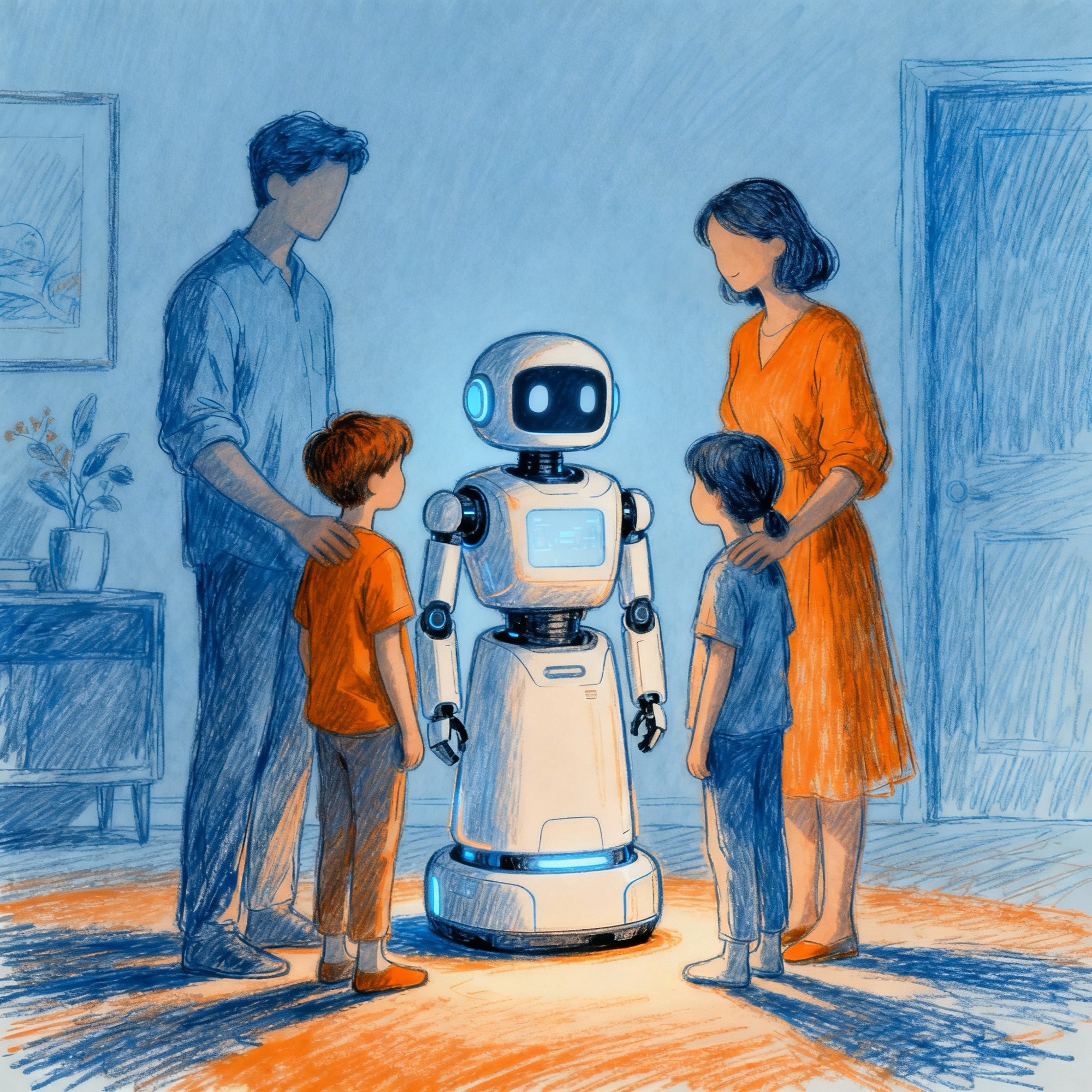
Research by Turing Institute and UNICEF in 2025 found that parents who banned AI outright saw higher secret use. Parents who had conversations and set collaborative boundaries saw more responsible use.
The research quote is worth remembering: “They won’t remember an advertisement from an AI chatbot. They will remember a conversation you had with them. That gives you significant influence and power.”
How AI Is Changing the Web (And What That Means for Families)
The traditional web ran on pages and patience. You’d search, click, skim, decide. AI compresses that into an answer—a neat paragraph that blends sources, often without making you visit any of them. It’s wonderful for oven temperatures; it’s less wonderful when you care who wrote the advice or whether statistics came from a decent study.
The fundamental shift: The web moved from “here are sources, you decide” to “here’s the answer, we decided.” This is efficient but risky if the AI got it wrong.
For sites like this one, it’s a challenge and an opportunity. We won’t out-summarise a machine, and we shouldn’t try. What we can do—what we promise to do—is test things ourselves, write like normal people, and explain choices so you can make your own. AI will get you a quick answer; humans will help you live with it.
Teaching Kids to Question AI Summaries
- “Where did this information come from?” (Does the AI cite sources?)
- “Is this person trustworthy?” (Who wrote the original source?)
- “When was this written?” (Old information can be wrong.)
- “What isn’t being said?” (What did the AI leave out?)
Getting Started, Calmly (Five-Step Plan That Won’t Become a New Job)
- Pick one assistant and sign in. Avoid anonymous chat boxes. ChatGPT, Google Gemini, or Claude are solid choices. Sign in with an account you control.
- Open settings and disable data-training. In ChatGPT: Settings > Data controls > Disable “Chat history.” If the option doesn’t exist, treat the tool as public.
- Start with admin. School messages, travel checklists, and polite replies you’re too tired to write. The low-stakes stuff.
- Co-use with kids. Research together and talk about sources. Make “How do we know?” the family refrain.
- Write one family rule and put it on the fridge: “AI helps us plan; people decide.”
Don’t Need to Pay (Yet)
Most families don’t need a subscription to see real benefits. Free tiers can summarise emails, draft letters, plan meals and explain homework concepts. Paid plans add convenience—better image handling, longer context, faster responses—but they’re luxuries, not essentials.
My rule: If the tool saves real time every week and we’re using it responsibly, we can talk about paying. If not, the free version is fine.
What Parents Are Actually Worried About (And What the Data Says)
The Turing Institute Survey (2025)
Researchers asked 1,000+ parents and carers about AI. The top concerns:
- 82% worried about: Exposure to inappropriate content
- 77% worried about: Exposure to inaccurate information
- 68% worried about: Impact on critical thinking skills
- 49% never discussed AI with their child
- 44% lacked knowledge about AI
- 40% don’t monitor their child’s AI use
The Honest Take
The concerns are valid. AI can produce inappropriate content (though it’s getting better at filtering). AI can be confidently wrong. AI can encourage passive consumption instead of active thinking.
But avoidance makes it worse. Children whose parents discuss AI are more careful with it. Children whose parents don’t know what they’re doing with AI are more likely to stumble into problems.
The Actual Risk Reduction Approach
Stop thinking of this as a problem to solve with rules. Think of it as a skill to build with your child. Real risk reduction comes from:
- Conversation, not censorship
- Skill-building (critical evaluation, source-checking)
- Ethical design (platforms that are actually built for children)
- Ongoing connection (not one-time “the talk”)
In the End: The Human Parts Are Still Ours
I don’t think AI will raise our children. I don’t want it to. But I also don’t want to waste evenings wrestling with the inbox or reinventing a packing list. Somewhere between hype and panic is a very ordinary truth: with a clear head and a few boundaries, AI can make room for the things that make a family a family—time together, small rituals, conversations that can’t be automated.
The robots can have the rota. We’ll keep the rest.
What changed in our house wasn’t that we started using ChatGPT. It’s that we stopped spending mental energy on friction, so we had more energy for connection. That seems worth inviting them in for.