
Cybersecurity Tips Every Parent Should Know: Essential Guide to Protecting Your Family Online

In an increasingly digital world, parents face the daunting task of safeguarding their children from various online threats. Cybersecurity is not just a technical issue; it’s a vital aspect of parenting in the 21st century. This comprehensive guide will equip you with essential cybersecurity tips every parent should know to protect their family online. You will learn about effective parental control software, best practices for online safety, and how to foster digital literacy in your children. As cyber threats evolve, so must our strategies to combat them. This article will cover the most effective parental control options, strategies for ensuring online safety, age-appropriate screen time guidelines, fostering digital literacy, securing home networks, and guiding teens in safe social media practices.
Want a clear, jargon‑free answer right now? Ask our free AI tech chatbot for UK parents about Roblox, TikTok, screen time and more in seconds – try it here.
What Are the Most Effective Parental Control Software Options in 2024?
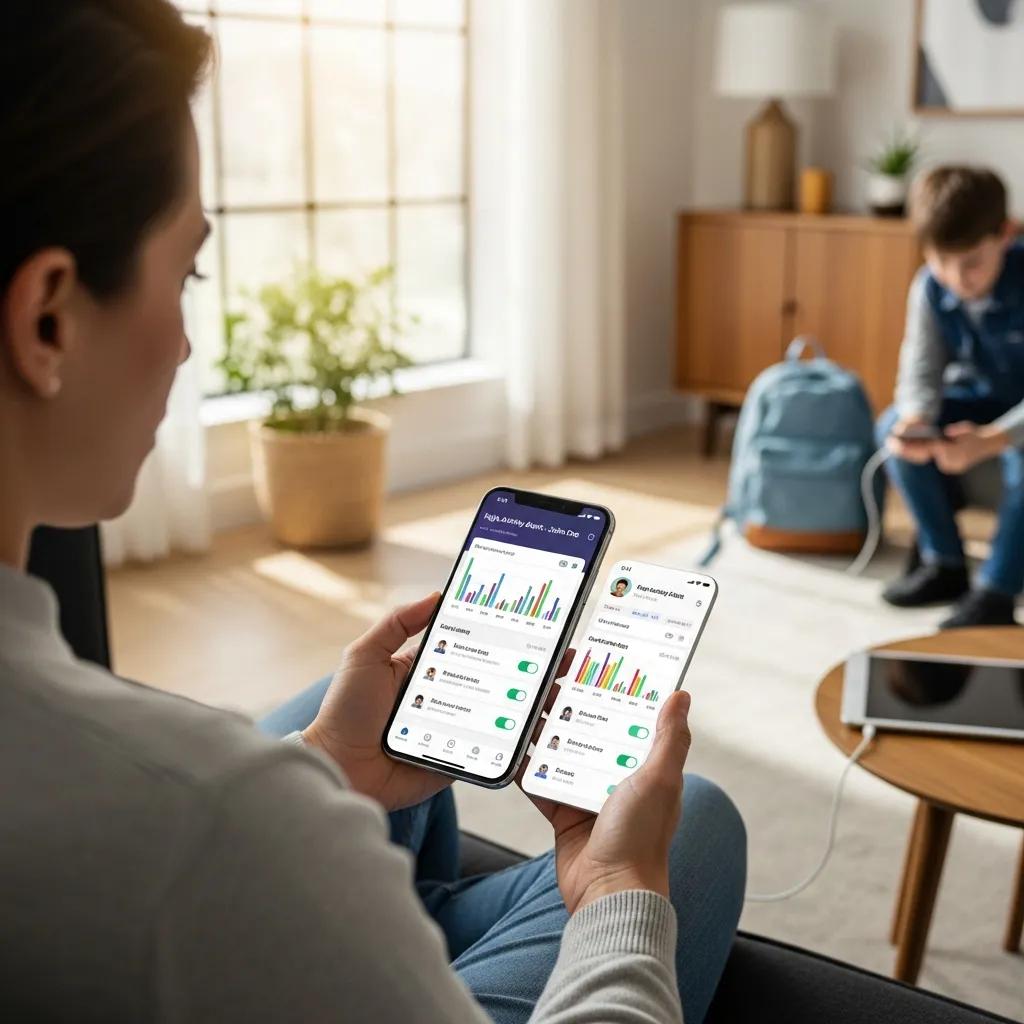
Parental control software is essential for monitoring and managing children’s online activities. In 2024, several options stand out for their effectiveness and user-friendly features. These tools help parents ensure their children navigate the internet safely while providing peace of mind.
Research further supports the positive impact of these tools on family well-being.
Parental Control Software Benefits for Family Well-being
Despite these projections, and despite our findings showing an overall positive effect of parental control applications on anticipated parental well-being, these digital services are not
The role of product features on parental efficacy and stress, L Bertrandias, 2023
How Do Parental Control Apps Help Monitor and Manage Kids’ Online Activity?
Parental control apps are designed to monitor and manage children’s online activities effectively. They provide features such as activity tracking, content filtering, and time management. For instance, apps like Net Nanny and Qustodio allow parents to see which websites their children visit and set limits on screen time. This monitoring capability helps parents intervene when necessary, ensuring a safer online experience for their kids.
Which Features Should Parents Look for in Parental Control Software?
- Content Filtering: The ability to block inappropriate websites and content is crucial for protecting children from harmful material.
- Time Management: Look for software that allows parents to set daily screen time limits, helping to promote a healthy balance between online and offline activities.
- Location Tracking: Some apps offer GPS tracking, enabling parents to monitor their child’s location for added safety.
These features collectively enhance the effectiveness of parental control software, making it easier for parents to safeguard their children online.
How Can Parents Ensure Online Safety for Children in a Digital World?
Ensuring online safety for children requires a proactive approach that combines education, communication, and the use of technology. Parents play a crucial role in guiding their children through the complexities of the digital landscape.
What Are the Best Practices to Protect Kids from Cyberbullying?
- Educate: Teach children about the signs of cyberbullying and encourage them to speak up if they experience or witness it.
- Monitor: Regularly check their online interactions and social media accounts to identify any potential issues early.
- Support: Create an open environment where children feel safe discussing their online experiences without fear of judgment.
By implementing these practices, parents can help their children navigate the challenges of online interactions more safely.
How to Teach Children About Digital Privacy and Data Protection?
- Discussing Privacy Settings: Show them how to adjust privacy settings on social media platforms to control who can see their information.
- Explaining Personal Data: Help them understand what personal data is and why it should be kept private.
- Encouraging Caution: Teach them to be cautious about sharing personal information online, even with friends.
These lessons empower children to take charge of their digital privacy and make informed decisions online.
What Are Age-Appropriate Screen Time Guidelines and Family Media Plans?
Establishing screen time guidelines is crucial for maintaining a healthy balance between online and offline activities. The American Academy of Paediatrics provides recommendations that can help parents navigate this challenge.
How Does the American Academy of Paediatrics Recommend Managing Screen Time?
- For children aged 2 to 5: Limit screen time to one hour of high-quality programming per day.
- For children aged 6 and older: Encourage consistent limits on screen time to ensure it does not interfere with sleep, physical activity, and other healthy behaviors.
- Family Media Plan: Create a family media plan that includes media use rules and encourages family engagement in media consumption.
These guidelines help parents foster a balanced approach to screen time, promoting healthy habits in their children.
How to Create a Family Media Plan That Balances Online and Offline Activities?
- Set Clear Rules: Establish rules regarding when and how long family members can use devices.
- Involve Children: Engage children in the planning process to help them understand the importance of balance.
- Encourage Offline Activities: Promote activities that do not involve screens, such as outdoor play, reading, or family game nights.
By involving the whole family in the media plan, parents can create a more harmonious balance between online and offline activities.
How Can Parents Foster Digital Literacy and Critical Thinking in Kids?

Fostering digital literacy is essential for preparing children to navigate the online world effectively. Parents can play a significant role in developing their children’s critical thinking skills regarding digital content.
Indeed, cultivating digital literacy from an early age is crucial for children’s development in a technology-driven world.
Fostering Digital Literacy in Children: Essential Strategies
Digital literacy has become an essential skill that must be cultivated from an early age, considering the increasingly dominant role of technology in everyday life. This study aims to identify and analyse strategies that can be implemented by classroom teachers to foster digital literacy awareness among elementary students. The findings of this study identify six main strategies: integrating digital literacy into the curriculum, modelling ethical digital behaviour, project-based digital literacy, guided reflection, school-parent collaboration.
Classroom teacher strategies for fostering digital literacy awareness in elementary students: A literature review, N Nofirman, 2025
What Educational Apps and Resources Support Safe Online Learning?
- Khan Academy: Offers a wide range of subjects and promotes self-paced learning.
- Common Sense Education: Provides resources and reviews of educational apps to help parents choose safe options.
- PBS Kids: Features educational games and videos that are both entertaining and informative.
These resources not only support learning but also teach children how to engage with digital content critically.
How Does AI Impact Children’s Learning and Online Experiences?
Artificial Intelligence (AI) is increasingly influencing children’s learning and online experiences. AI-driven tools can personalise learning by adapting to individual needs, making education more engaging. However, parents should also be aware of potential risks, such as data privacy concerns and the need for critical evaluation of AI-generated content. Encouraging children to question and analyse information they encounter online fosters a more discerning approach to their digital experiences.
What Are the Best Strategies to Secure Home Networks and Devices?
Securing home networks and devices is a fundamental aspect of protecting family online safety. Parents must take proactive steps to ensure their home technology is secure from cyber threats.
How to Set Up Strong Passwords and Enable Multi-Factor Authentication?
- Create Complex Passwords: Use a mix of letters, numbers, and symbols to create strong passwords that are difficult to guess.
- Change Passwords Regularly: Encourage regular updates to passwords to enhance security.
- Enable MFA: Use multi-factor authentication wherever possible to add an extra layer of protection.
These practices significantly reduce the risk of unauthorised access to personal accounts.
What Are the Essential Steps to Protect Home Wi-Fi and Devices from Cyber Threats?
- Change Default Settings: Modify the default username and password for the router to prevent unauthorised access.
- Use Encryption: Enable WPA3 encryption on the Wi-Fi network to secure data transmission.
- Regularly Update Firmware: Keep router firmware and device software up to date to protect against vulnerabilities.
Implementing these measures helps create a secure home network environment for the entire family.
How Can Parents Guide Teens to Practice Safe Social Media Habits?
As teens increasingly engage with social media, parents must guide them in developing safe online habits. This guidance is crucial for fostering responsible digital citizenship.
What Are the Mental Health Considerations Related to Social Media Use?
- Self-Esteem Issues: Social media can contribute to feelings of inadequacy and low self-esteem due to unrealistic comparisons.
- Cyberbullying: The risk of cyberbullying is heightened on social media platforms, making it essential for parents to monitor their teens’ interactions.
- Screen Time Management: Encourage healthy screen time limits to prevent social media from interfering with sleep and real-life interactions.
By addressing these mental health considerations, parents can help their teens navigate social media more safely.
How to Encourage Responsible and Safe Social Media Behaviour in Teens?
- Discuss Privacy Settings: Teach teens how to adjust privacy settings to control who can see their posts and personal information.
- Encourage Critical Thinking: Foster discussions about the authenticity of online content and the importance of verifying information before sharing.
- Model Positive Behavior: Set an example by demonstrating responsible social media use and discussing online experiences openly.
These strategies empower teens to engage with social media in a way that prioritises their safety and well-being.
Want a clear, jargon‑free answer right now? Ask our free AI tech chatbot for UK parents about Roblox, TikTok, screen time and more in seconds – try it here.