
Tech Support for Parents: Your Essential Guide to Digital Safety and Screen Time Management

In an increasingly digital world, parents face the daunting task of ensuring their children’s safety online while managing screen time effectively. This guide aims to empower parents with essential strategies and tools to navigate the complexities of digital safety and screen time management. By understanding the risks and implementing effective solutions, parents can foster a safe online environment for their children. This article will cover key topics, including online safety strategies, parental control apps, screen time management techniques, fostering digital literacy, and troubleshooting common tech issues.
Want a clear, jargon‑free answer right now? Ask our free AI tech chatbot for UK parents about Roblox, TikTok, screen time and more in seconds – try it here.
How Can Parents Ensure Children’s Online Safety?
Ensuring children’s online safety is a multifaceted challenge that requires proactive measures and open communication. Parents must be aware of the potential dangers their children face online, including cyberbullying, inappropriate content, and privacy risks. By establishing clear guidelines and fostering an environment of trust, parents can help their children navigate the digital landscape safely.
What Are Effective Cyberbullying Prevention Strategies for Teens?
- Open Communication: Encourage teens to talk about their online experiences and feelings.
- Education: Teach teens about the signs of cyberbullying and the importance of reporting it.
- Monitoring: Use parental control tools to monitor online interactions and identify potential issues early, while respecting teens’ privacy and autonomy.
By implementing these strategies, parents can create a supportive environment that helps prevent cyberbullying.
How Do Privacy Settings Protect Children Online?
Privacy settings play a crucial role in safeguarding children’s online presence. Parents should educate themselves and their children about the importance of these settings on various platforms. Key aspects include:
- Profile Privacy: Ensure that social media profiles are set to private to limit exposure to strangers.
- Location Sharing: Disable location sharing features to protect children’s whereabouts.
- Content Filters: Utilise content filters to block inappropriate material.
By actively managing privacy settings, parents can significantly reduce the risks associated with online interactions.
What Are the Best Parental Control Apps for Kids in 2024?
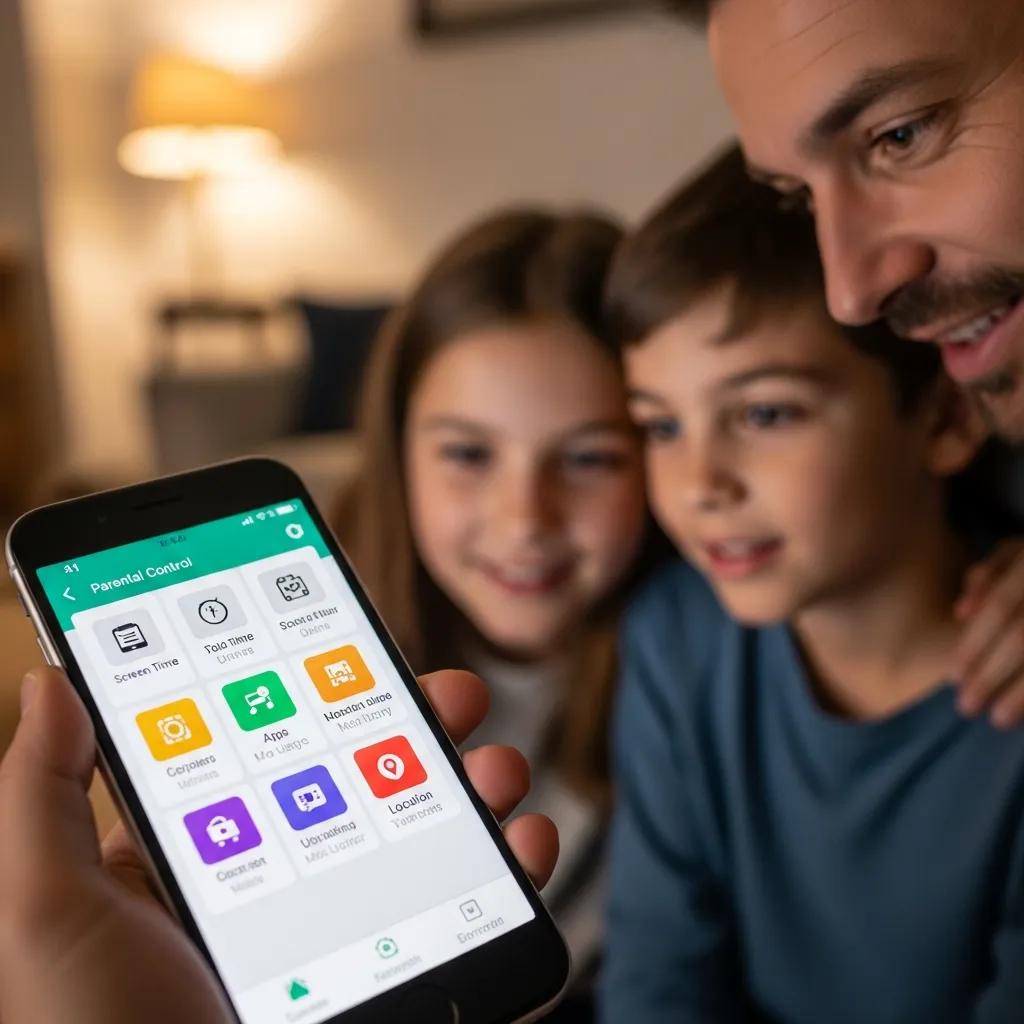
Parental control apps are essential tools for managing children’s online activities and ensuring their safety. As of 2024, several apps stand out for their features and effectiveness.
Which Features Should Parents Look for in Parental Control Software?
- Content Filtering: The ability to block inappropriate websites and content.
- Screen Time Management: Tools to set limits on daily screen time.
- Activity Monitoring: Features that allow parents to track their child’s online activities.
These features help parents maintain oversight while allowing children to explore the digital world safely.
How to Set Up and Manage Parental Controls Effectively?
- Choose the Right App: Research and select a parental control app that meets your family’s needs.
- Install and Configure: Download the app and follow the setup instructions to configure settings.
- Regularly Review Settings: Periodically check and adjust settings as children grow and their needs change.
By actively managing parental controls, parents can ensure their children’s online safety while promoting responsible digital habits.
How Can Families Manage Screen Time for Healthy Digital Habits?

Managing screen time is vital for promoting healthy digital habits among children. Excessive screen time can lead to various issues, including sleep disturbances and reduced physical activity.
What Are Age-Appropriate Screen Time Guidelines?
Establishing age-appropriate screen time guidelines helps parents set realistic expectations. Recommendations from the American Academy of Pediatrics (AAP) include:
- Ages 2-5: Limit screen time to one hour per day of high-quality programming.
- Ages 6 and older: Encourage consistent limits on screen time, ensuring it does not interfere with sleep, physical activity, and other healthy behaviors.
By adhering to these guidelines, parents can foster a balanced approach to screen time.
Further research emphasises the importance of parental awareness and adherence to these established screen time recommendations for optimal child development.
Parental Awareness & Adherence to AAP Screen Time Guidelines
Exposure to screen time during infancy has become prevalent in the past few decades as advances in technology have merged with educational and entertainment products targeting infants and their caregivers. Informed by research showing that screen time can be detrimental to infant development, researchers and paediatricians recommend that children younger than 2 years be strictly limited in their screen time exposure or even better, have no sedentary exposure to electronic media at all. Recommendations by entities such as the American Academy of Paediatrics (AAP) are intended to provide useful guidelines for parents and caregivers when making decisions about how to manage screen time exposure for young children. However, their utility is limited if caregivers are not aware of or do not adhere to the guidelines. To address this problem, we explored mothers’ awareness of and adherence to the AAP’s recommendations and the motivational factors associated with screen time exposure.
Explaining adherence to American academy of paediatrics screen time recommendations with caregiver awareness and parental motivation factors: mixed methods … 2022
Echoing these sentiments, other pediatric organisations also provide specific guidelines to help families manage screen time effectively across different age groups.
IAP Screen Time Guidelines for Children & Adolescents
The Group recommends that children below 2 years age should not be exposed to any type of screen, whereas exposure should be limited to a maximum of one hour of supervised screen time per day for children 24–59 months age, and less than two hours per day for children 5–10 years age. Screen time must not replace other activities such as outdoor physical activities, sleep, family and peer interaction, studies, and skill development, which are necessary for overall health and development of the children and adolescents. Families should ensure a warm, nurturing, supportive, fun filled and secure environment at home, and monitor their children’s screen use to ensure that the content being watched is educational, age-appropriate and
Indian Academy of Paediatrics Guidelines on screen time and digital wellness in infants, children and adolescents.
How to Create a Family Media Plan That Works?
Creating a family media plan involves setting clear rules and expectations regarding screen time. Steps to develop an effective plan include:
- Involve the Family: Discuss and agree on screen time rules as a family.
- Set Specific Limits: Define daily and weekly screen time limits for each family member.
- Encourage Alternatives: Promote non-screen activities, such as outdoor play and family games.
A well-structured media plan helps families navigate screen time challenges while fostering healthy habits.
How to Foster Digital Literacy and Responsible AI Use in Young Children?
Fostering digital literacy is essential for preparing children to navigate the online world safely and responsibly. Parents can play a significant role in this process.
Studies highlight how children develop various digital literacy skills and knowledge through their interaction with devices like tablets, underscoring the need for informed parental guidance.
Fostering Digital Literacy: Children’s Tablet Skills
In this work, the nature of the skills and knowledge developed by children when using tablets is investigated. The article reports the results of a study on the use of tablets and apps by children in the United Kingdom. A questionnaire completed by 2000 parents of children aged 0-5 on the use of tablets by children was administered, and six case studies were carried out to explore the use of tablets at home by six children. The results indicate that according to parents their children acquire a series of skills and knowledge through the use of tablets. Furthermore, the researchers were also able to identify many of the skills indicated by parents through in-depth analysis of over 20 hours of visual data of children using the tablet. The article examines the skills and competencies identified through this data in more detail.
The digital literacy skills and competences of children of pre-school age, J Marsh, 2016
Which Educational Apps Support Digital Literacy Development?
- Khan Academy Kids: Offers interactive lessons on various subjects, promoting critical thinking.
- Code.org: Introduces coding concepts through engaging games and activities.
- Common Sense Media: Provides resources and reviews to help families make informed media choices.
These apps empower children to develop essential skills for the digital age.
How Does AI Impact Children’s Learning and Online Safety?
AI technologies can significantly influence children’s learning experiences and online safety. Benefits include:
- Personalised Learning: AI can tailor educational content to meet individual learning needs.
- Enhanced Safety Features: AI-driven tools can identify and block harmful content in real-time.
However, parents must remain vigilant about the potential risks associated with AI, such as data privacy concerns and exposure to inappropriate content.
What Are Safe Social Media Practices for Teens?
As teens increasingly engage with social media, understanding safe practices becomes crucial. Parents should guide their children in navigating these platforms responsibly.
How to Guide Teens on Social Media Privacy and Boundaries?
- Discuss Privacy Settings: Teach teens how to adjust privacy settings on their accounts.
- Encourage Thoughtful Sharing: Remind teens to think before posting and consider the potential consequences.
- Set Boundaries: Establish rules regarding social media use, including time limits and appropriate content.
By fostering open discussions about social media, parents can help teens develop responsible online behaviors.
What Are the Mental Health Considerations Related to Social Media Use?
Social media can impact teens’ mental health, leading to issues such as anxiety and depression. Parents should be aware of these considerations and promote healthy usage by:
- Monitoring Usage: Keep track of how much time teens spend on social media.
- Encouraging Offline Activities: Promote engagement in offline hobbies and social interactions.
- Providing Support: Be available to discuss any negative experiences or feelings related to social media.
By addressing mental health concerns, parents can help their teens maintain a balanced relationship with social media.
How Can Parents Troubleshoot Common Family Tech Issues?
As technology becomes an integral part of family life, parents must be equipped to troubleshoot common tech issues that arise.
What Are Quick Fixes for Frequent Device Problems?
- Restarting the Device: Many issues can be fixed by simply restarting the device.
- Checking Connections: Ensure all cables and connections are secure.
- Updating Software: Regularly update software to prevent compatibility issues.
These quick fixes can save time and frustration when dealing with tech problems.
How to Use Remote Assistance Tools for Tech Support?
- Choose a Reliable Tool: Select a remote assistance tool that is user-friendly and secure.
- Guide the User: Walk the family member through the setup process to establish a connection.
- Provide Support: Use the remote connection to troubleshoot issues in real-time.
By leveraging remote assistance tools, parents can offer effective tech support, even from a distance.
This table highlights some of the best parental control apps available in 2024, showcasing their key features and benefits for parents seeking to enhance their children’s online safety.
In conclusion, navigating the digital landscape requires a proactive approach from parents. By implementing effective strategies for online safety, utilising parental control apps, managing screen time, fostering digital literacy, and troubleshooting tech issues, parents can create a safe and supportive environment for their children. Embracing these practices will empower families to thrive in the digital age.
Want a clear, jargon‑free answer right now? Ask our free AI tech chatbot for UK parents about Roblox, TikTok, screen time and more in seconds – try it here.