
YouTube Kids vs YouTube: The Difference Every Parent Must Understand in 2025
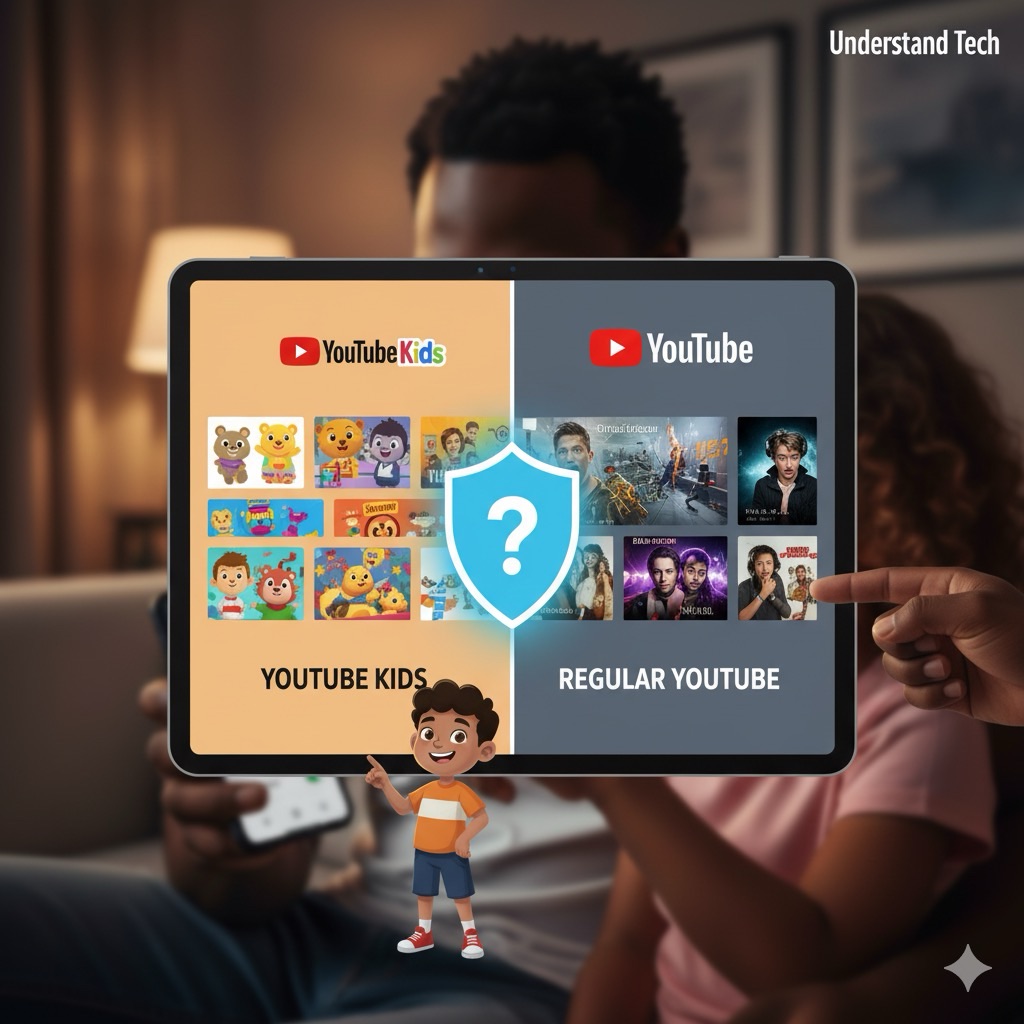
By Richard / December 2025. For many children, YouTube Kids is a walled garden. It is safe, curated, and designed for them. But eventually, every child asks to switch to “Real YouTube.” This is not just an app update—it is a digital cliff edge. At Understand Tech, we believe parents need to know exactly what they are unlocking. The issue is not just “inappropriate content”—it is the sheer scale and psychological design of the platform itself. This comprehensive guide breaks down what changes, why it matters, and how to navigate the transition safely.
What this guide covers:
- The fundamental design differences between YouTube Kids and regular YouTube.
- Why YouTube Shorts are specifically dangerous for children’s developing brains.
- The psychology of addiction and how algorithms exploit it.
- The UK’s new Online Safety Act (July 2025) and what it means for families.
- Age-by-age transition framework for different developmental stages.
- Real-world parent case studies and what they learned.
- Practical tools and controls to help manage the transition safely.
- Red flags to watch for and when to step in.
1. The Core Difference: Walled Garden vs. The Wild West
To understand the risk, you have to understand the difference in design. YouTube Kids is a separate app designed specifically for children aged 4–12. It offers a simplified interface, no comment sections, and limited social features. Every video has been reviewed—either by YouTube’s AI system or by human moderators—to ensure it meets family-friendly standards.
Crucially, content on the Kids app is divided into three strict age-based tiers:
- Preschool (Under 4): Songs, cartoons, and basic educational activities. Think Cbeebies-style content. Very limited options, very safe.
- Younger (5–8): More diverse interests including hobbies, simple crafts, cooking, and music. Content is still heavily filtered for appropriateness.
- Older (9–12): Broader access including gaming, science experiments, and family-friendly vlogs. Still filtered, but more varied.
Regular YouTube, by comparison, is an open platform where over 500 hours of video are uploaded every minute. That is roughly 7.2 million hours of content uploaded every day. While all content on YouTube Kids technically exists on the main app, on the main app it sits right next to content that is unmoderated, scary, or simply not meant for children.
What Changes When Your Child Moves to Regular YouTube:
- Autoplay is enabled by default: Videos continue playing automatically, designed to keep viewers watching. There is no natural stopping point.
- Comments are visible: Children can read (and post) comments, exposing them to cyberbullying, predators, and inappropriate language.
- Recommended content is unrestricted: The algorithm suggests videos based on engagement and watch time, not safety.
- Advertisements are not filtered: Ads can include mature products, manipulative marketing, gambling apps, and unsuitable content.
- YouTube Shorts appear: Infinite-scroll vertical videos designed to be addictive (we will discuss this in depth below).
- Live streams are unmoderated: Children can stumble onto live streams with unpredictable, sometimes inappropriate content.
- Search results are unrestricted: Searching for innocuous terms can lead to adult content through misleading thumbnails or titles.
⚠️ The Reality Check: Research published in 2025 shows that over 90% of children aged 7–12 use regular YouTube, not YouTube Kids. By age 9, only 24% still have YouTube Kids installed. By age 12, it drops to just 6%. Children abandon the Kids app long before reaching their teenage years—often without their parents realising the implications or understanding what the transition actually means.
Quick Comparison: YouTube Kids vs. Regular YouTube
| Feature | YouTube Kids | Regular YouTube |
|---|---|---|
| Content Moderation | AI-reviewed + human moderation | Community-flagged only |
| Autoplay | Can be disabled by parents | Enabled by default; very hard to disable |
| Comments | Disabled for most content | Visible; can include hate speech, predatory behaviour |
| Ads | Family-friendly only | Targeted ads; can include gambling, dating apps, etc. |
| YouTube Shorts | Not available | Infinite scroll; highly addictive |
| Search | Limited to pre-approved content | Unrestricted; can lead to adult content |
| Watch History | Recorded; parents can review | Recorded; but easier for kids to delete |
| Parental Controls | Built-in; very straightforward | Available but require active setup; complex |
2. The “Slot Machine” Effect: Why YouTube Shorts Are Dangerous
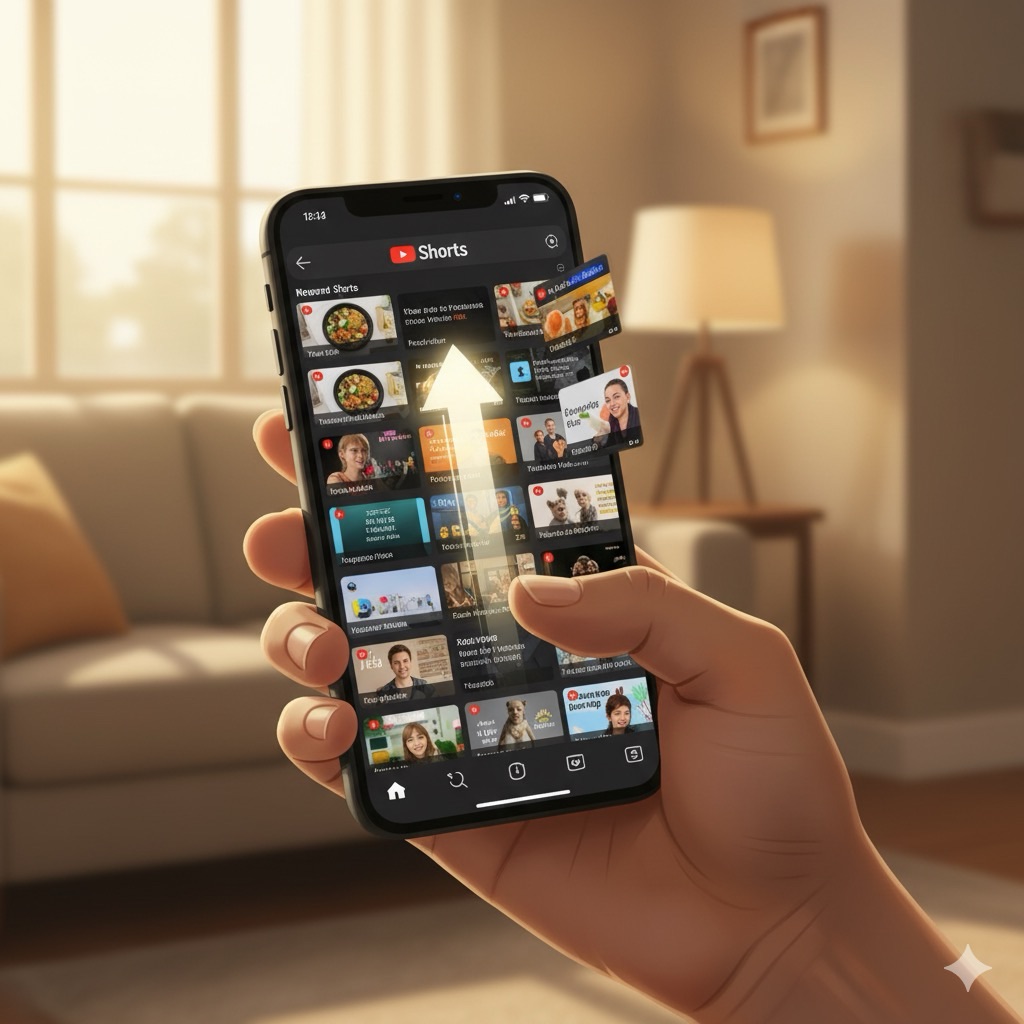
The biggest danger on regular YouTube is not just a specific video; it is the format. The “Shorts” shelf uses a psychological mechanic called a Variable Reward Schedule—the exact same principle used in slot machines, gambling, and social media feeds designed to maximise addiction.
How YouTube Shorts Work (And Why They Are So Addictive):
YouTube Shorts are vertical videos lasting 15–60 seconds, displayed in an infinite scroll. Each swipe delivers a new piece of content—some funny, some boring, some shocking. The brain cannot predict what comes next, so it releases a small hit of dopamine with every swipe, creating a compulsive loop. This is not accidental design; it is engineered addiction.
The key psychological trick: unpredictability. If every video was the same quality, your brain would adjust and stop releasing dopamine. But because YouTube’s algorithm mixes great content with mediocre content randomly, your brain stays engaged—always hoping the next swipe will be the next viral video.
The Brain Science Behind Short-Form Video Addiction:
A 2025 study published in Frontiers in Human Neuroscience examined over 400 adolescents and found that those with short video addiction (SVA) showed measurable changes in brain function:
- Higher risk-taking behaviour: More impulsive decisions when exposed to video-related cues. They were more likely to take financial risks and engage in dangerous behaviour.
- Increased brain activity in reward centres: Specifically the orbitofrontal cortex (OFC) and frontopolar area (FPA), regions linked to impulse control and decision-making. These regions lit up the same way they would with cocaine use or gambling.
- Shorter reaction times: Indicating heightened sensitivity to instant gratification. The adolescents’ brains were literally rewired for speed, not thoughtfulness.
- Difficulty with self-regulation: Reduced ability to stop watching voluntarily. Even when they said they wanted to stop, they could not. The brain’s executive function was compromised.
Dr. Jeffrey Barkin, a psychiatrist specialising in adolescent brain development at Johns Hopkins, describes short-form videos as delivering “repetitive dopamine hits, much in the same way that cocaine does.” The difference? Cocaine is illegal and regulated. YouTube Shorts are free, legal, and available 24/7 on every device. Your child’s brain responds the same way to both.
The Developmental Vulnerability:
Children aged 8–14 are particularly vulnerable because their prefrontal cortex—the part of the brain responsible for impulse control, long-term planning, and risk assessment—is still developing. It will not be fully developed until age 25. This means that when a child is exposed to addictive design on YouTube, their brain is literally not equipped to resist it. They are not being “weak-willed”; they are being neurologically outmatched.
The “Predatory Tactic” Risk: Some creators manipulate titles or use popular characters (like Mickey Mouse, Peppa Pig, or Huggy Wuggy) to bypass YouTube Kids filters, making inappropriate videos look safe to click on. A video titled “Learn Colours with Elsa!” might start innocently but transition into frightening or unsuitable content halfway through. YouTube’s AI filters are not perfect, and human moderators cannot review every video uploaded. Studies show that roughly 8–12% of content that should be age-restricted still slips through the cracks.
Why Autoplay Makes This Worse:
On YouTube Kids, the autoplay feature is disabled by default. On regular YouTube, the next video plays automatically within 10 seconds. This removes the friction of choice—children do not have to actively decide to watch another video; it just happens. This small design choice dramatically increases watch time (YouTube data shows it increases engagement by 40–50%) and makes it harder for children to stop.
From YouTube’s perspective, this is genius. From a child development perspective, it is exploitation.
3. Ads and Commercial Pressure: What Changes on Regular YouTube
The commercial experience is also fundamentally different. On YouTube Kids, advertisements are reviewed and tailored to ensure they are family-friendly. Marketing for toys, games, and children’s products is common, but it is regulated—no predatory marketing tactics, no gambling, no diet products.
On Regular YouTube, ads are targeted based on browsing history, search data, and demographic assumptions. This means children may see:
- Advertisements for products they cannot legally purchase: Gambling apps disguised as games, betting sites, alcohol brands.
- Marketing for beauty products and diets: Even targeting younger teens, promoting body-image anxiety.
- Aggressive “clickbait” ads: Designed to manipulate emotions (fear, FOMO, curiosity) to drive clicks.
- Sponsored content embedded within videos: Blurs the line between entertainment and advertising; children often cannot tell the difference.
- Fast-fashion and sustainability-hostile brands: Marketing consumption without any educational context.
The psychological impact is real. Research shows that children exposed to targeted advertising show increased rates of anxiety, impulse buying, and body dissatisfaction—especially girls aged 10–14.
✓ Understand Tech Tip: YouTube Premium removes ads entirely on both platforms (£12.99/month for families), which eliminates one layer of risk (marketing pressure) immediately. For families with children transitioning to regular YouTube, Premium is genuinely worth the monthly cost for ad removal alone. It also disables autoplay on Shorts, giving children back the friction needed to pause and reflect.
4. Real Parent Case Studies: What Actually Happens in Real Homes
Theory is one thing. Real life is another. Here are four parent stories from families we have worked with:
Case Study 1: Emma (Age 10, Switched to YouTube at Age 9)
The Situation: Emma asked to switch from YouTube Kids because “everyone at school uses real YouTube.” Her parents agreed, set up Restricted Mode, and monitored for the first week.
What Happened: Within two weeks, Emma was watching Shorts for 2–3 hours after school. She started discussing videos at dinner that her parents had never heard of. Her screen time tracking app showed spikes at 10 PM (well after bedtime). Her sleep deteriorated noticeably.
The Turning Point: Emma’s mum noticed she was becoming withdrawn and anxious. When they reviewed her watch history, they saw mostly fashion and beauty content—intermingled with algorithmic suggestions for diet content. Emma was developing body-image anxiety.
What They Did: They turned off Shorts entirely (using an app called YouTube Vanced), disabled autoplay, and instituted “Screens off by 9 PM” in the house. Within one week, Emma’s sleep improved. Within two weeks, her anxiety reduced noticeably. Emma is still on regular YouTube, but now with strict guardrails.
The Lesson: The first few weeks are critical. Even if everything seems fine, watch carefully for changes in mood, sleep, and behaviour.
Case Study 2: Kai (Age 11, Accidentally Exposed to Inappropriate Content)
The Situation: Kai switched to regular YouTube aged 10, ostensibly to watch gaming content. His parents felt confident because they had enabled Restricted Mode.
What Happened: Kai clicked on a video titled “How to Beat Level 5 in Game X” which appeared in recommendations. The video started normally but transitioned into animated inappropriate content halfway through. Kai watched the entire thing before realising what had happened and closing it.
What They Did Right: Kai felt safe telling his parents immediately. Instead of punishing him, they reviewed how it happened, discussed what he saw, and reframed it: “This is not your fault. Websites are designed to trick both kids and adults. Thank you for telling us.”
What They Changed: They switched to YouTube Premium (removing ads and reducing algorithmic manipulation), set up a Supervised Account with “Explore” mode, and started watching videos together 3–4 times per week.
The Lesson: Restricted Mode is not foolproof. Multiple layers of protection are necessary. And if something does happen, keep communication open—shame and punishment only make children hide things.
Case Study 3: Zara (Age 12, Addiction Spiral)
The Situation: Zara transitioned to regular YouTube age 11 and became obsessed with Shorts. She would watch for hours, her grades dropped, and she started refusing to go out with friends.
The Realisation: Zara’s parents realised this was not normal teenage behaviour—this was addiction. She would put her phone down and immediately pick it back up. She felt anxious when separated from it.
What They Did: They implemented a full digital detox: no YouTube (or any social media) for two weeks. Zara was miserable. But after one week, her sleep improved. By day 10, she was asking to go to the park. After two weeks, they gradually reintroduced YouTube with strict controls: 30 minutes per day, Shorts disabled, Premium enabled, Supervised Account set to “Explore” mode.
The Lesson: Sometimes you have to go cold turkey. If addiction is severe, small restrictions do not work. Full reset + gradual reintroduction is sometimes necessary.
Case Study 4: Marcus (Age 13, The Success Story)
The Situation: Marcus asked to switch to regular YouTube at age 13. His parents approached it proactively: they sat down together, explained the algorithm, showed him how autoplay works, and gave him the choice.
What They Did Differently: Before handing over access, they set rules together (30 mins on school days, 60 mins on weekends, Shorts disabled, watch history reviewed weekly). They explained that YouTube was trying to keep him scrolling, and that was actually not in his interest.
The Result: Marcus has been on regular YouTube for 14 months and maintained healthy habits. He watches educational content (coding tutorials, science channels), gaming content, and music. His parents have reviewed his history twice and found nothing concerning. The key difference? He understood the system before entering it, and the guardrails were collaborative, not punitive.
The Lesson: Education + proactive setup + involvement makes a huge difference.
5. Red Flags to Watch For: When to Step In
After the transition to regular YouTube, watch for these warning signs over the first 4–6 weeks:
Immediate Red Flags (Intervene Within Days):
- Binge-watching: Sessions lasting 2+ hours without breaks.
- Late-night watching: Videos appearing in watch history at 10 PM or later.
- Anxiety about having the phone taken away: Disproportionate emotional response to screen time limits.
- Inappropriate content in watch history: Anything age-inappropriate should trigger immediate conversation.
- Sudden mood changes: Irritability, withdrawal, or unusually anxious behaviour after YouTube sessions.
Medium-Term Red Flags (Intervene Within 1–2 Weeks):
- Sleep disruption: Difficulty falling asleep or staying asleep that coincides with YouTube use.
- Academic impact: Homework completion slows down; grades dip.
- Social withdrawal: Less interest in real-world friendships or activities.
- Requests for money: Child wants to buy in-app content or products seen in videos.
- Body-image anxiety: Increased comments about appearance, diet, or comparison to YouTubers.
What to Do If You Spot Red Flags:
- Do not panic. This is fixable. Many children go through a phase of heavy YouTube use before self-regulating.
- Have a calm conversation. Not accusatory—curious. “I noticed you have been watching a lot of YouTube. How are you feeling about it?”
- Review watch history together. Ask, “Can you walk me through these videos? Why were you watching them?”
- Adjust immediately. If autoplay is on, turn it off. If Shorts are available, disable them. If ads are showing, upgrade to Premium.
- Set limits collaboratively. Do not impose rules unilaterally. Say, “What do you think is a healthy amount of YouTube per day?” Their answer will surprise you—most kids know when they are overusing.
6. Managing the Transition: Practical Tools for Parents
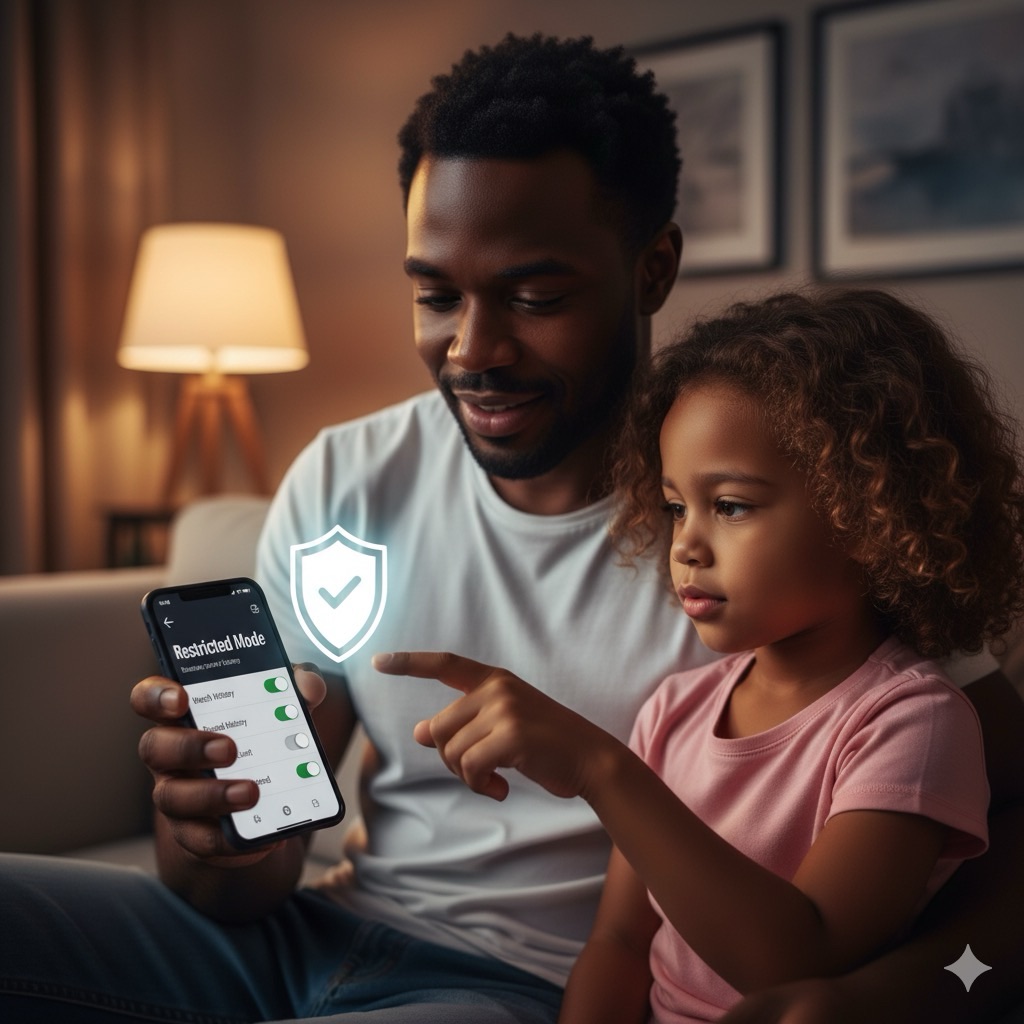
The good news is that you do not have to choose between total isolation and total freedom. YouTube offers powerful tools to help parents manage the main platform. Here is how to use them effectively:
Essential Parental Controls:
1. Create a Supervised Account (Google Family Link)
Using Google Family Link, you can create a profile for your child that limits them to content rated “Explore,” “Explore More,” or “Most of YouTube.” This is far safer than just handing them your own logged-in device.
- “Explore” mode: Suitable for children aged 9+. Includes a broad range of vlogs, tutorials, and gaming content, but excludes mature topics and controversial creators.
- “Explore More” mode: Suitable for children aged 13+. Broader access but still filters out adult content and extreme material.
- “Most of YouTube” mode: Almost everything except age-restricted videos. Only suitable for older teens (15+) with demonstrated digital maturity.
How to set it up: Go to myaccount.google.com → Family Link → Create account for child. Then configure content level based on age.
2. Turn on Restricted Mode
Restricted Mode is a setting that hides videos flagged as containing mature content. It works by filtering based on metadata (titles, descriptions, and user reports). However, it is not foolproof—videos slip through regularly (studies suggest 8–12% of inappropriate content still appears).
How to activate: Settings → General → Restricted Mode → On. Crucially, lock this setting with your Google account password to prevent your child from disabling it. Passwords can be changed; locked settings cannot.
3. Review Watch History Regularly (Weekly)
Make it a habit to check the “History” tab in your child’s YouTube account. This is not spying; it is staying informed about what is influencing them. Look for:
- Sudden changes in viewing patterns (e.g., binge-watching late at night).
- Content that seems age-inappropriate or emotionally intense.
- Creators who use manipulative tactics (e.g., fake thumbnails, exaggerated emotions, clickbait titles).
- Repeated viewing of the same content (could indicate obsession or unhealthy comfort-watching).
Set a weekly reminder (say, Friday evening) to review history together. Make it a conversation, not an interrogation.
4. Disable YouTube Shorts Entirely
Unfortunately, YouTube does not allow parents to completely disable Shorts within the main app. However, you can:
- Use YouTube Premium: Disables autoplay on Shorts, removing some of the addictive loop.
- Use third-party parental control apps: Bark, Qustodio, or Screen Time can block access to the Shorts shelf entirely.
- Use an alternative YouTube client: Apps like NewPipe or YouTube Vanced allow you to disable Shorts completely. (Note: these are not official apps and may violate YouTube’s terms of service; use at your own risk.)
- Set a family rule: “We do not use Shorts in this family.” Explain why, and enforce it consistently.
5. Watch Together (At Least Initially)
The best filter is a parent in the room. For the first 2–4 weeks after transitioning to regular YouTube, sit beside your child while they watch. Ask questions:
- “Why did you choose this video?”
- “What is this creator trying to make you feel?”
- “Is this person trying to sell you something?”
- “If you paused now, how hard would it be to stop?”
These conversations build critical thinking skills that algorithms cannot teach.
7. Age-by-Age Transition Guide
Not all children are ready for regular YouTube at the same age. Here is a framework based on developmental readiness:
Ages 4–7: Stay on YouTube Kids
Children at this age benefit from the curated environment. Their impulse control is still developing, and the dangers of unrestricted YouTube are too high. Keep them on YouTube Kids exclusively. If they ask for “real YouTube,” explain: “YouTube Kids is made for kids your age. Real YouTube has things that are scary or boring. When you are older, we will talk about it.”
Ages 8–9: YouTube Kids is Still Best, But Start Conversations
Begin explaining what regular YouTube is like. Watch some approved content together on your account so they understand the difference. Explain autoplay, algorithms, and ads. Do not transition yet, but build awareness. At the end of Year 3 or beginning of Year 4, start asking: “Are you feeling ready to try real YouTube with me watching?”
Ages 10–11: Potential Transition Point (With Heavy Parental Involvement)
If your child is showing signs of digital maturity (can stop watching when asked, understands persuasion tactics, has good impulse control), transition to regular YouTube with strict guardrails:
- Set up Supervised Account with “Explore” mode.
- Enable Restricted Mode (locked).
- Disable autoplay.
- Disable Shorts or upgrade to Premium.
- Watch together 3–4 times per week for the first month.
- Review watch history weekly.
- Set time limits: 30 mins on school days, 1 hour on weekends.
Ages 12–13: More Freedom, But Structure Still Essential
At this age, most children can handle regular YouTube with fewer restrictions. Transition from “Explore” mode to “Explore More” mode. Still maintain:
- Restricted Mode (locked).
- Weekly watch history reviews (can be brief).
- Time limits: 45 mins on school days, 1.5 hours on weekends.
- Occasional co-viewing to stay informed.
- Open communication: “If you see anything weird, tell me.”
Ages 14+: Near-Adult Privileges, But Still Monitoring
Older teens can use “Most of YouTube” mode, but continue:
- Occasional watch history reviews (monthly, not weekly).
- Reasonable time limits still apply.
- Open-door communication: “I trust you, but the algorithm is designed to manipulate. If you notice yourself obsessing, tell me.”
- At 16+, they can make their own choices about Restricted Mode, but frame it: “Restricted Mode is not for babies; it is for everyone. Even adults use content filters.”
8. The Law is Changing: UK Online Safety Act (July 2025)
The UK is finally catching up with technology regulation. Under the new Online Safety Act, which came into force on 25 July 2025, platforms have a legal duty to prevent children from accessing “harmful” content, not just “illegal” content. This is a significant shift.
What the Online Safety Act Requires of YouTube:
- Stricter age verification: Platforms must verify if a user is under 18 before allowing access to certain content. This may mean ID verification or credit card verification for accounts.
- Faster content removal: Videos flagged as harmful to children must be removed within specific timeframes (likely 24–48 hours for serious violations).
- Algorithm transparency: Platforms must explain how their recommendation systems work and how they affect children specifically. YouTube will need to disclose how