Physical Address
304 North Cardinal St.
Dorchester Center, MA 02124
Physical Address
304 North Cardinal St.
Dorchester Center, MA 02124

Your Go-To for Digital Advice
Your Go-To for Digital Advice

Equip your children with the tools to navigate the online world securely. Learn innovative tips for parents to master online safety and protect your kids.
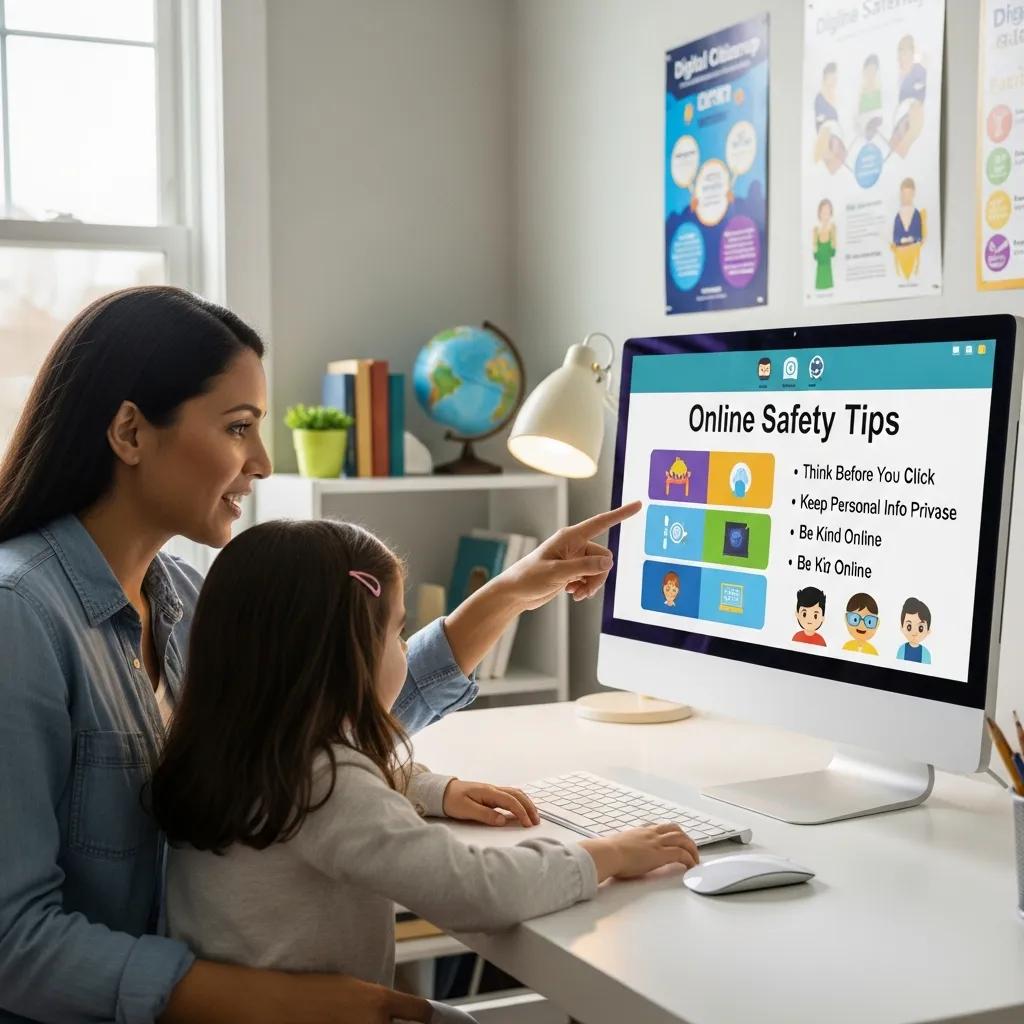
In an increasingly digital world, ensuring the safety of children online has become a paramount concern for parents. This guide aims to equip you with essential knowledge and strategies to navigate the complexities of internet safety and digital literacy. By understanding the risks and implementing effective measures, you can create a safer online environment for your children.
This article will cover recommended screen time guidelines, strategies to prevent cyberbullying, the best parental control apps, fostering digital literacy, and essential digital safety practices. Each section will provide actionable insights to help you keep your children safe online.
Screen time guidelines are essential for maintaining a healthy balance between digital engagement and real-world interactions. Various health organisations recommend specific limits based on age to ensure that children benefit from technology without compromising their physical and mental well-being.
The American Academy of Pediatrics suggests the following screen time limits:
These guidelines emphasise the importance of age-appropriate content and parental guidance in managing screen time effectively.
Further research delves into the nuances and challenges of these evolving recommendations.
AAP Screen Time Guidelines for Children & Digital Media
The American Academy of Paediatrics (AAP) has just revised its stance on screen time. Sonia Livingstone takes a closer look at the new recommendations and their evidence base. She argues that while the new guidelines fit better with the current circumstances of family lives, the AAP faces a dilemma: there isn’t yet a robust body of research on the effects of digital media on children, yet parents want guidance now.
American Academy of Paediatrics, S Livingstone, 2016
Creating a family media plan is crucial for managing screen time and ensuring that technology use aligns with family values. Here are steps to develop an effective plan:
By involving the entire family in the media plan, parents can foster a healthier relationship with technology.

Cyberbullying is a significant concern in the digital age, and parents must be proactive in preventing and addressing it. Understanding the signs and implementing supportive strategies can help children navigate these challenges.
Parents should be vigilant for the following warning signs that may indicate a child is experiencing cyberbullying:
Recognising these signs early can help parents intervene effectively.
To support children facing cyberbullying, parents can adopt several strategies:
These strategies empower children and create a supportive environment for discussing their online experiences.
Research highlights the effectiveness of specific parenting strategies in mitigating cyberbullying behaviors.
Parenting Strategies to Prevent Adolescent Cyberbullying
Little is known about how parents may protect against cyberbullying, a growing problem-behaviour among youth. Guided by self-determination theory, a theory concerned with effectively motivating and regulating behaviour, six preregistered hypotheses concerning parenting strategies of regulating cyberbullying behaviour were tested in 1004 parent–child dyads (45.9% female adolescents; adolescents were either 14 (49.5%) or 15 (50.5%) years old). The results largely supported hypotheses: Parents who used more autonomy-supportive strategies—understanding the adolescent’s perspective, offering choice, and giving rationales for prohibitions—had adolescents who reported engaging in less cyberbullying than parents who used controlling strategies (especially using guilt, shame, and conditional regard).
Evidence from a preregistered study of parent–child dyads, N Legate, 2019
Parental control apps are essential tools for monitoring and managing children’s online activities. They help parents enforce screen time limits, filter content, and track usage across devices.
Understanding parental motivations behind adopting such tools is crucial for their effective implementation.
Parental Intent & Use of Internet Filter Software
The objective of this study is to survey the usage of internet filter software for blocking inappropriate web contents in Taiwan, and also to investigate the precedent factors for adopting such a prevention tool. We surveyed 417 households with children/adolescents (aged below 16) and home internet access. Participants answered questions which were designed based on the framework of the decomposed theory of planned behaviour. The structural equation model was implemented to find out the relationships among constructs. Results show that only one in seven families currently uses internet filter software for blocking inappropriate web contents in Taiwan. Furthermore, this study also shows that attitude, subjective norms, and perceived behaviour control are all key factors to affect parental intention of adopting internet filter software.
Investigating parental intention of using internet filter software, 2014
When selecting parental control software, consider the following features:
These features ensure comprehensive oversight of children’s online activities.
Setting up parental controls varies by device. Here’s a brief guide:
By following these steps, parents can effectively manage their children’s device usage.
Fostering digital literacy is crucial for helping children navigate the online world safely and responsibly. Parents play a vital role in teaching children how to use technology effectively.

Several resources can enhance digital literacy among children:
These resources provide children with the knowledge and skills needed to thrive in a digital environment.
Children can build a positive digital footprint by:
These practices help children develop a responsible online presence.
Implementing essential digital safety practices is crucial for protecting children from online threats. Parents must be proactive in safeguarding their children’s online experiences.
To protect children’s privacy, parents should:
These practices help maintain children’s privacy and security online.
Online predators pose significant risks to children. Parents can stay vigilant by:
By fostering awareness and open communication, parents can help protect their children from potential threats.
In conclusion, keeping children safe online requires a proactive approach that includes setting screen time limits, preventing cyberbullying, utilising parental control apps, fostering digital literacy, and implementing essential safety practices. By equipping themselves with the right tools and knowledge, parents can create a secure online environment for their children, ensuring they can navigate the digital world safely and responsibly.