Physical Address
304 North Cardinal St.
Dorchester Center, MA 02124
Physical Address
304 North Cardinal St.
Dorchester Center, MA 02124
Your Go-To for Digital Advice
Your Go-To for Digital Advice

Worried which apps your child will lose? We explain the UK under‑16 social media ban, which apps are affected, what’s excluded, and what parents should do before 2027.

**Excerpt**
Most parents assume a child’s iPhone is safe out of the box, but many important protections are either turned off or hidden across multiple settings menus. This free Understand Tech guide walks parents through the key Apple controls that help create a safer, calmer and more age-appropriate iPhone experience. Learn how to set up Family Sharing, enable Screen Time, activate Ask to Buy, review privacy settings and reduce common risks with a simple step-by-step checklist and practical advice.
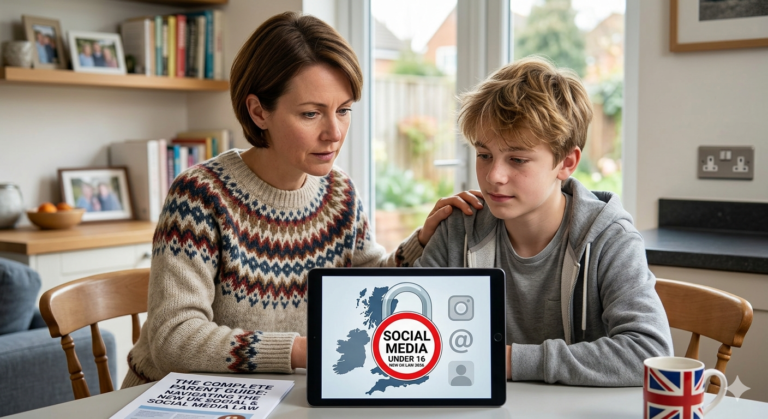
New UK social media ban explained: what the under-16 restriction means for parents, affected apps, enforcement rules, and how to prepare your family.
Doomscrolling is a prevalent issue that affects many, especially children, and it's crucial to address it effectively. By setting clear boundaries and establishing healthy routines, parents can significantly reduce this habit and promote a more balanced lifestyle. The key is to replace scrolling with productive activities and maintain a calm environment, especially during evening hours.
If a child has already seen harmful content online, the most important first step is to stay calm, reassure them and reduce the chance of repeat exposure. This guide explains what to say, what to do next and when to report serious content.
Risky app behaviour usually shows up before a serious problem does. Online safety guidance for parents consistently points to early warning signs such as secrecy, sudden screen-hiding, stranger contact, location sharing, late-night use and emotional changes linked to online activity
The age question is crucial when deciding whether a child is ready for social media. According to experts, the ideal age is between 12 and 14, when kids have developed maturity and understanding of online safety. Parents should carefully assess their child's readiness based on signs such as following family rules, understanding privacy, and being able to handle peer pressure. Engaging in open conversations about the risks and benefits of social media can also help parents make an informed decision.
Discover the perfect age to gift your child their first smartwatch in 2026. From ages 5 to 12, learn the essential readiness signs and safety features that make smartwatches a valuable tool for parents. Whether it's GPS tracking, parental controls, or a simple interface, this guide will help you make an informed decision that balances technology with child safety.
Locket and LiveIn are essential tools for parents looking to ensure their teen's online safety. While these apps offer convenient photo sharing, they also come with significant privacy risks. Parents must be cautious about the instant sharing feature, the lack of an undo button, and the potential for small-group sharing to lead to unforeseen consequences. It's crucial to set clear rules for safer-use, such as only adding known individuals and avoiding sharing sensitive information. By understanding the risks and implementing these measures, parents can help their teens navigate the digital world safely.
Pinterest safety for teens in 2026 is crucial. Teens under 16 should remain private by default. Parents can lock privacy settings, review messaging limits, and hide profiles from search engines. It's essential to talk about reporting and blocking. Good family rules include no public profiles unless agreed upon, no accepting followers from strangers, and no posting personal photos. Pinterest is private for teens, but parents should remain vigilant about content and interactions.